Chapter 2 23
General Operation
This chapter describes the general operation of the 7000 test system, including
basic operation of the buttons, screen navigation, default settings, source types,
printing, and other information.
2.1 Operation of buttons
The general operation of the various buttons on the 7000 test system are
described in this section. This includes a description of the function buttons,
the arrow buttons, and the Menu, Help, Reset, Exit, Level, Feed, Print, Stop, and
Start buttons.
2.1.1 Using the function keys
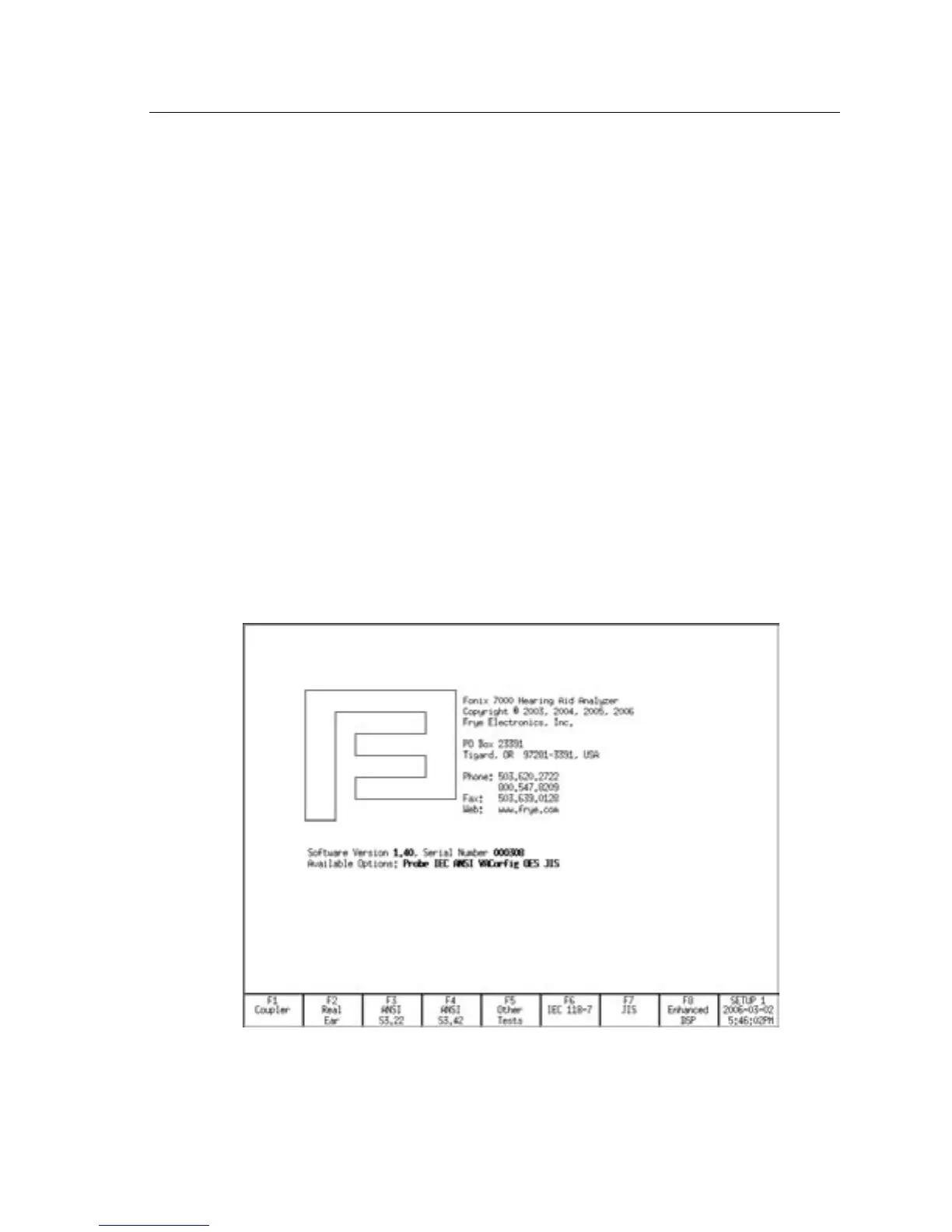
The top row of buttons on the 7000 test system front panel consists of “function
keys” labeled [F1] through [F8]. The function of these keys changes from screen
to screen, according to the need of the screen. The screen itself always shows
the function of each of these buttons in a row of boxes along the bottom of the
display. This row is meant to represent the physical buttons on the front panel.
See Figure 2.1.
Figure 2.1—Function key display



 To Next Page