46 FONIX 7000 Hearing Aid Analyzer
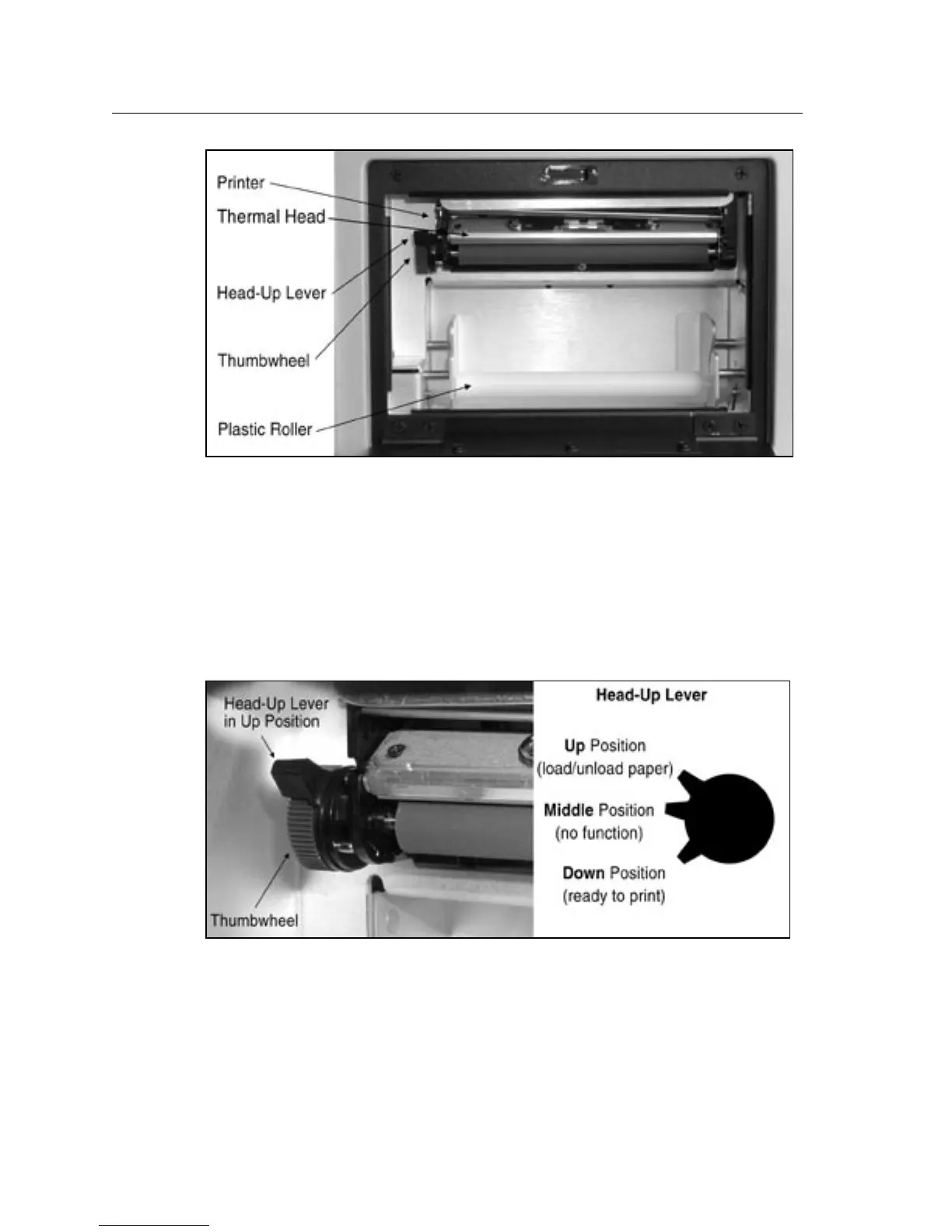
Figure 2.4.4A—The internal printer
Step II: Loading paper into the printer
1. Turn on the instrument.
2. Place the Head-Up lever into the
up position. See Fig. 2.4.4B.
3. Unroll approximately six inches of paper from the roll, and insert the
paper’s leading edge into the bottom of the printer, directly behind the rub
-
ber roller. See Fig. 2.4.4C.
Figure 2.4.4B—Head-Up lever in up position.



 To Next Page