-12-
Reference Guide Optional Units
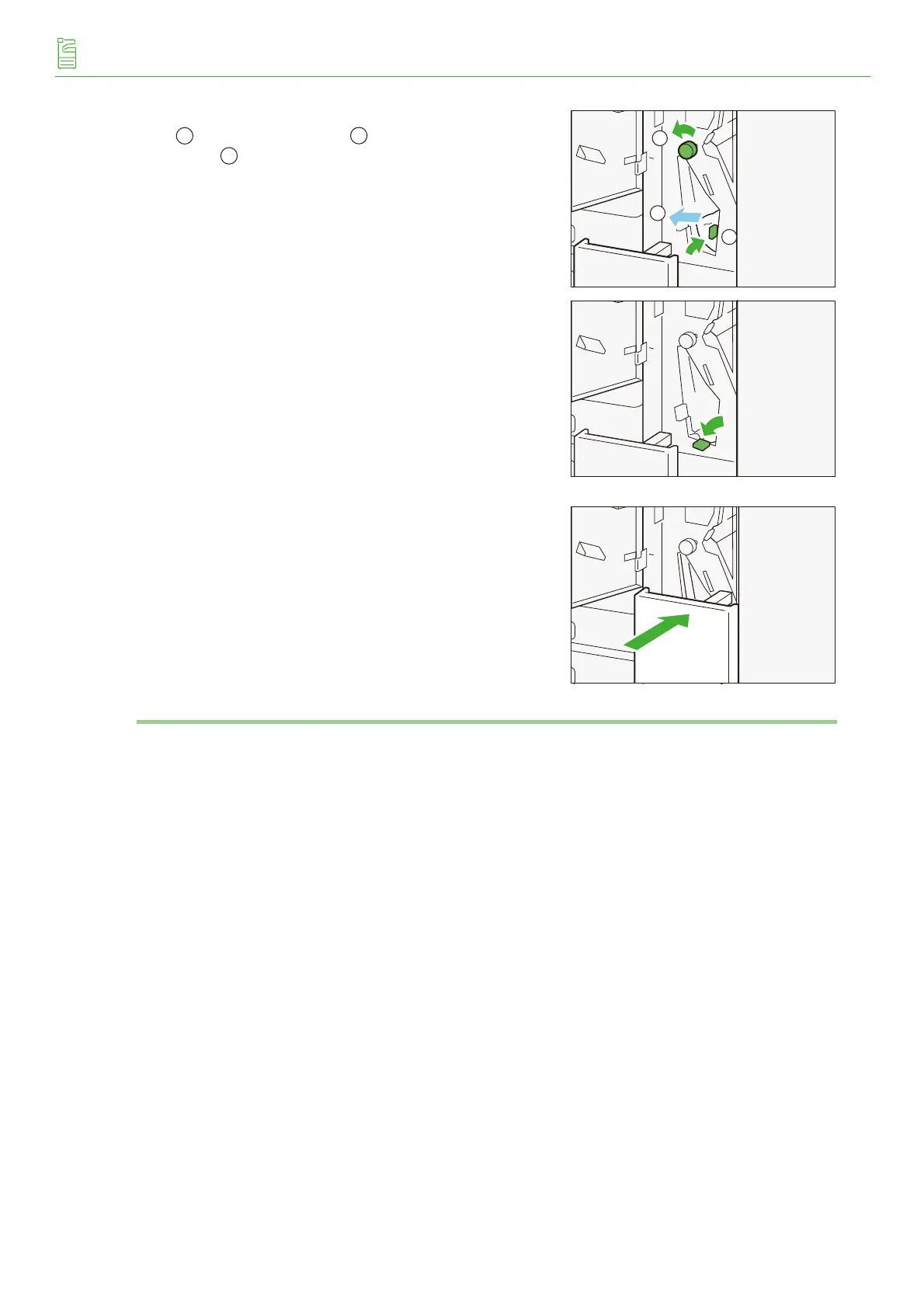
(4) If it’s difficult to remove the paper, open lever [2f] up
( ), turn knob [2c] left ( ), and remove the jammed
paper ( ).
(5) Return lever [2f].
(6) Return the Tri-Fold Output Tray [2d] to the original posi-
tion.
3.
Close the Folder Unit Cover.
1
2
3
1
3



 To Next Page
 Loading...


