Fax
4
4 Fax
148
Step 5 Confirming the Fax Job in Job Status
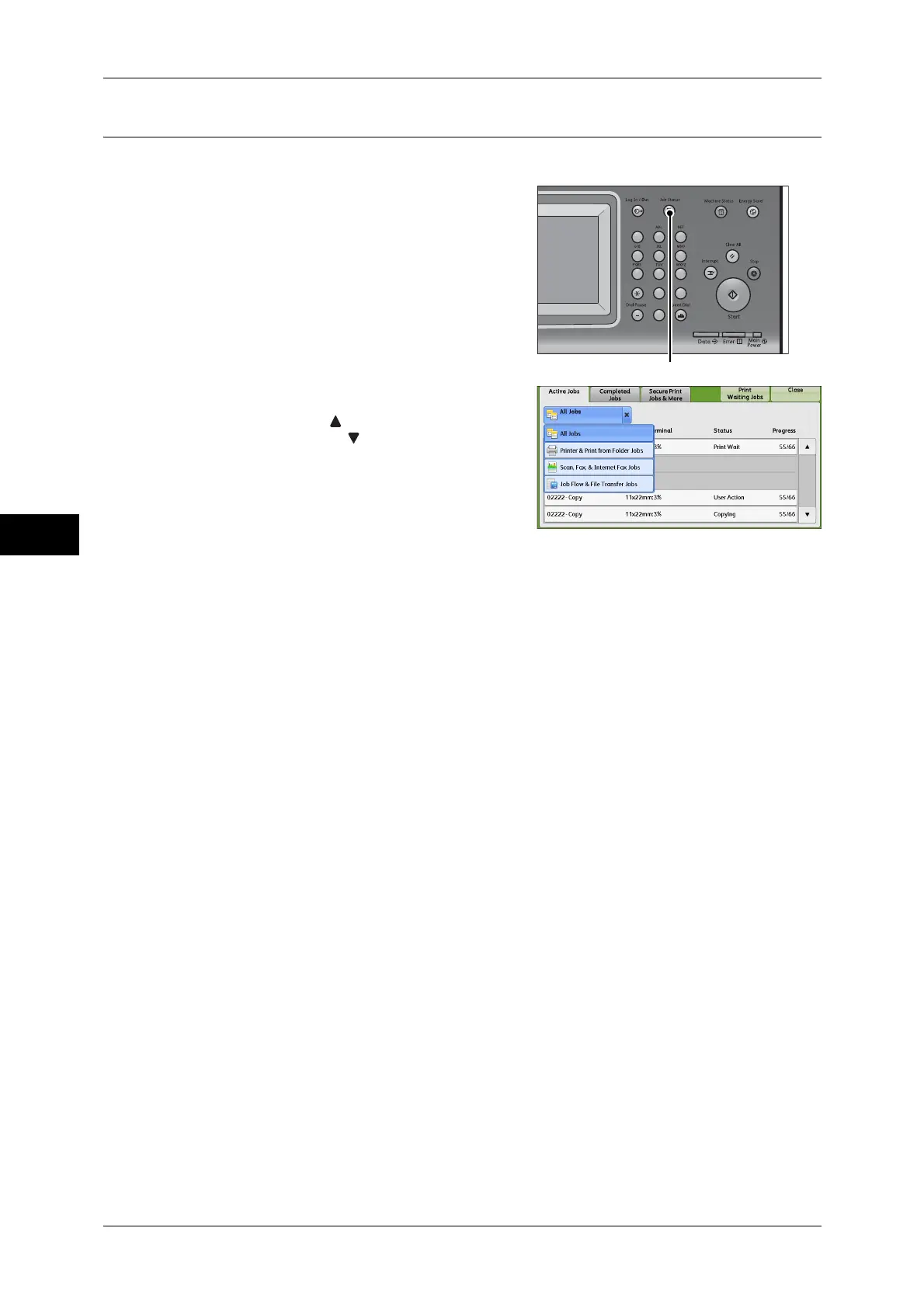
The following describes how to confirm the status of a fax job.
1 Press the <Job Status> button.
2 Confirm the job status.
Note • Select [ ] to return to the previous
screen or [ ] to move to the next screen.
• From the drop-down menu, you can
select and display the desired type of
jobs.
If undelivered faxes exist
You can confirm undelivered faxes on the [Job Status] screen or in an Activity Report.
For information on how to resend or delete undelivered faxes, refer to "Job Status" (P.341).
123
456
789
0#
C



 To Next Page
 Loading...


