SS1807-N002 Instruction of System - 56/106
2.5.7 Export error log file using the keyboard
(1) Connect with the external memory and press the [Alt] + [Shift] + [PageUp] keys.
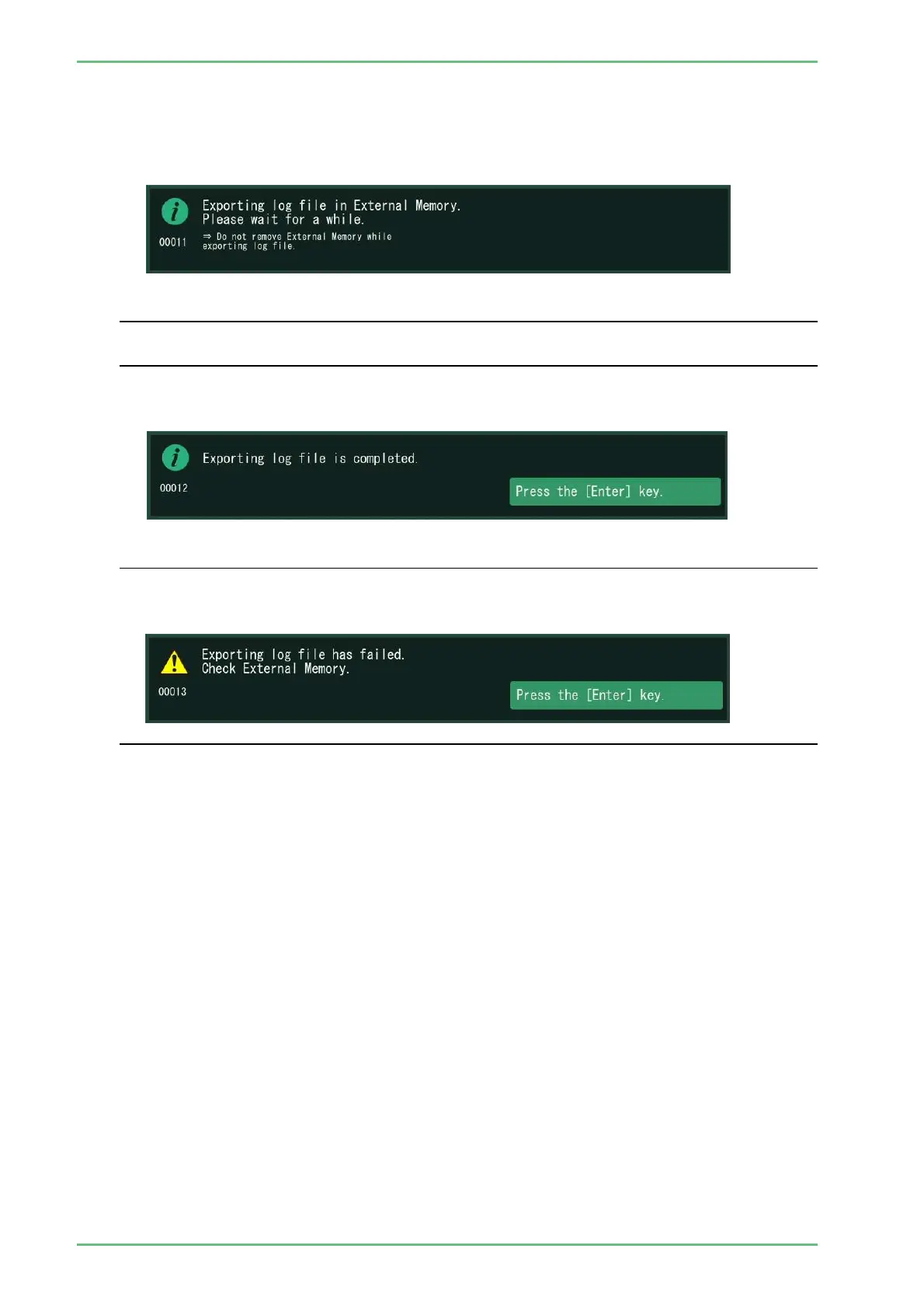
(2) The message “Exporting log file in External Memory” is displayed and error log files start
exporting in the external memory.
◆Note◆
・ Do not touch the processor until the message “Exporting log file is completed" is displayed.
If the power is turned off during saving log files, the log files cannot be normally saved.
(3) When the log file export is completed, the message "Exporting log file is completed" is
displayed.
◆Note◆
・ If saving fails, the following message appears.
Confirm if the external memory is correctly inserted and try again.
If the same message appears again, replace the external memory.


 To Next Page