5
PARAMETERS
5-12
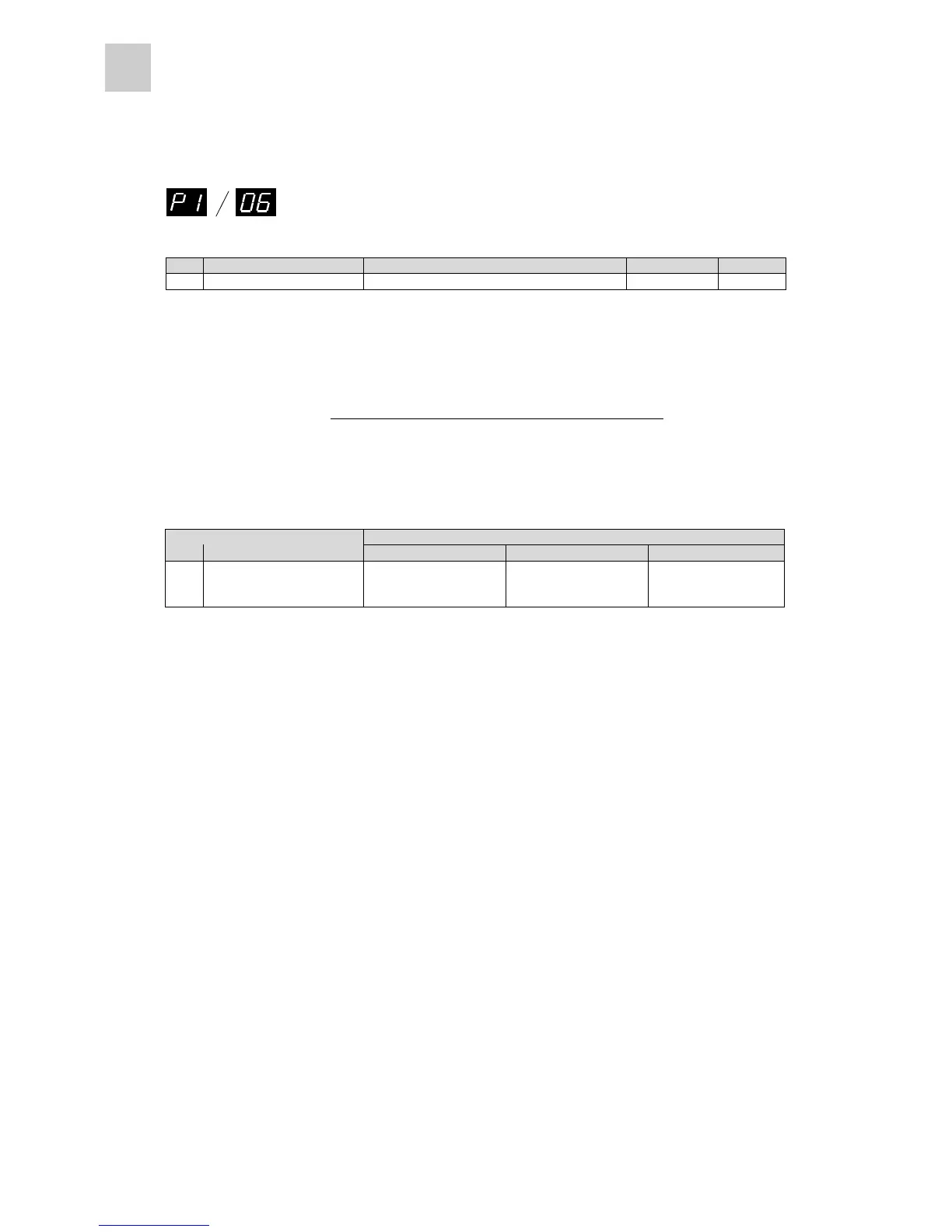
Basic setting parameter #06
No. Name Setting range Initial value Change
06 Load inertia ratio 0.0 to 100.0 times (in 0.1 increments) 5.0 Always
Specify the moment of inertia of the load (moment of inertia of load converted to motor shaft) exerted on
the motor shaft in the mechanical system, in the ratio to the moment of inertia of the motor.
This parameter must be specified in some tuning modes (basic parameter 05).
Tuning mode
No. Name
0: Auto 1: Semi-auto 2: Manual
06 Load inertia ratio
Automatically
refreshed at every 10
minutes
¡¡
¡: Parameter that must be set
n How to specify the load inertia ratio
There are the following two setting methods.
1) Setting the value monitored at the keypad panel
Use monitor mode 09 at the keypad panel to monitor.
Use the monitored value as a setting.
* If the value fluctuates, set the average value.
If fluctuation is considerable and the maximum-to-minimum ratio exceeds two, use the setting
method described below.
2) Setting the calculated value
Calculate the load inertial moment and specify the result.
The calculation formula for obtaining the moment of inertia is described in appendix.
* Capacity selection software can be used for automatic calculation.
The capacity selection software can be downloaded free of charge from Fuji Electric’s home page.
http://web1.fujielectric.co.jp/kiki-info/User/index.html
Load inertial ratio =
(Moment of inertia of load converted to motor shaft)
(Moment of inertia of motor)



 To Next Page