4. Video Viewer
Important: A user name and password are not required for any subsequent
access attempts if you do not log out, unless the system times you out.
To close a Video Viewer session, complete one of the following steps:
• Select File-Exit from the Video Viewer menu.
• Click X to close the Video Viewer session.
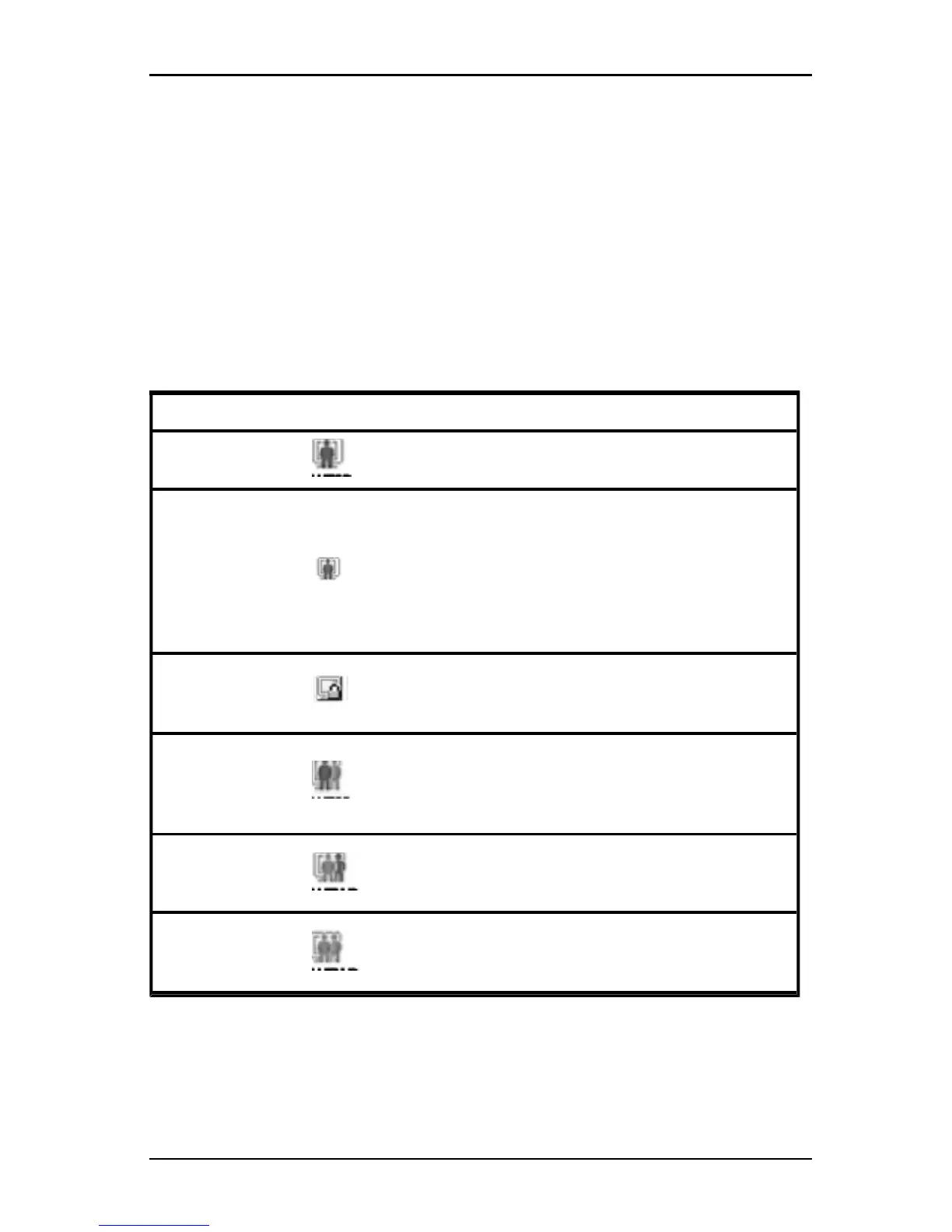
Video session indicators in the toolbar
The current type of session is indicated by an icon on the right side of the Video
Viewer toolbar.
Session types Icons Description
Active (normal)
A normal KVM session that isnot exclusive and isnot
being shared.
Locked (normal)
A normal KVM session and a VM session locked
together.The administrator has configured locking of
KVM and Virtual Media (VM) sessions. The KVM
session cannot be shared or preempted, and it isnot
subject to inactivity timeout. It can be terminated by an
administrator. For more information, see "Using
virtual media" on page 60.
Exclusive
An exclusive KVM session that cannot be shared. It
can be preempted or observed in stealth mode by an
administrator.
Active sharing:
(primary)
A shared KVM session whose user isthe first
(primary) user to connect to the target device. The
session is being shared with a secondary user or
users.
Active sharing:
(secondary)
A shared KVM session whose user isa secondary
user.
Passive sharing
A shared KVM session whose secondary user can
view the video ouput, but who is not allowed keyboard
and mouse control over the target device.
Table 4.3: Video Session Type Icons
590-1059-640A
44



 To Next Page