3.3 Customizing the window display
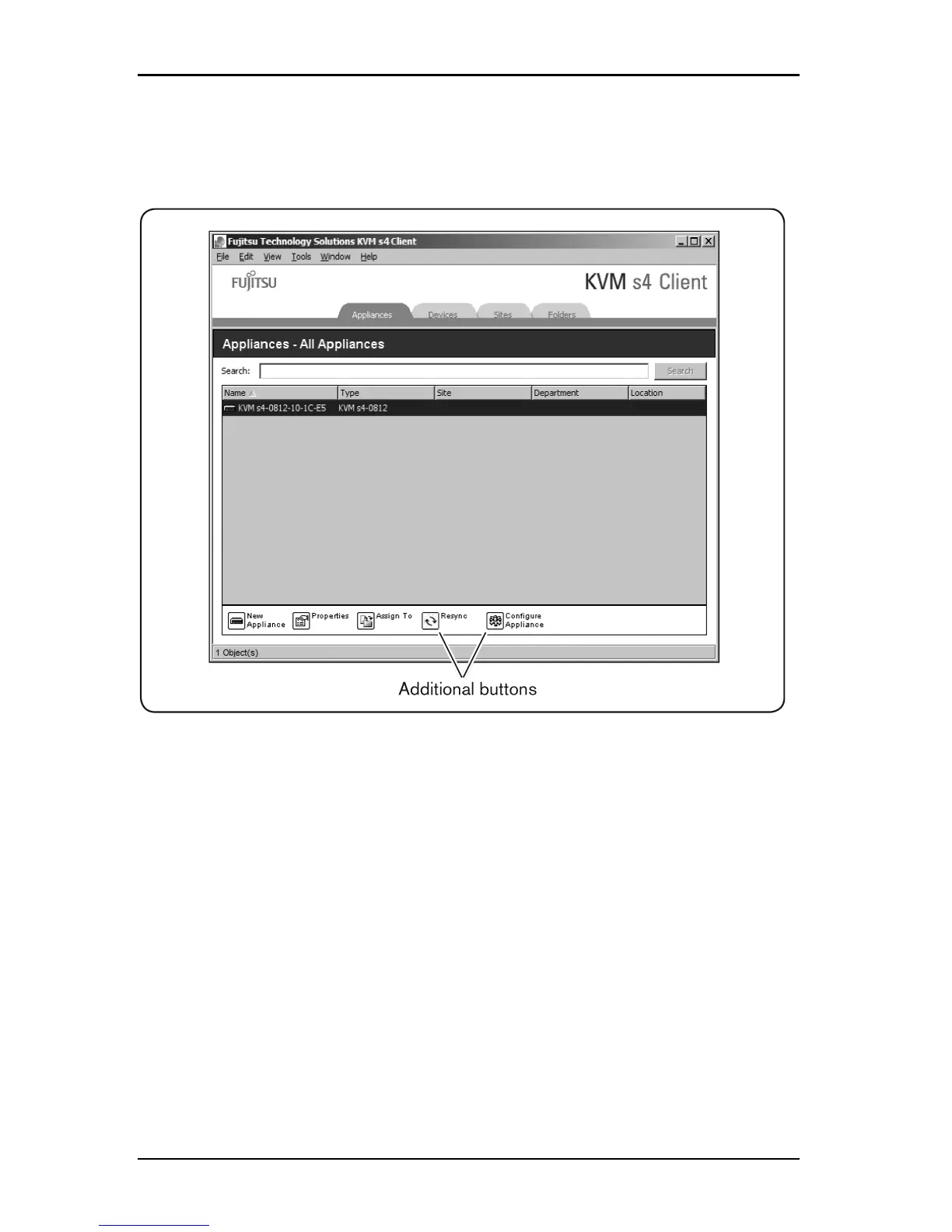
If a selected switch is enabled for the web interface, two additional
buttons appear at the bottom of the Explorer window: Resync and
Configure Appliance.
Figure 3.2. Additional Explorer Buttons When a Switch is Enabled for the Web
Interface
3.3 Customizing the window display
You can resize the Explorer window at any time. Each time you start the
application, the Explorer window opens to its default size and location.
A split-pane divider that runs from top to bottom separates the Group Selector
pane and the Unit Selector pane. You can move the divider left and right to
change the viewing area of these two panes. Each time the Explorer is opened,
the divider returns to its default location. See "Keyboard and mouse shortcuts" on
page 71 for divider pane and tree view control shortcuts.
590-1059-640A
17



 To Next Page