Main - system functions Settings in BIOS Setup
A26361-D943-Z120-14-7619 13
HardDisk1toHardDisk4-Harddiskdrives
call the submenu to make corresponding settings of the IDE hard disk drive.
i
You should chan
e the default settin
sonl
if
ou are connectin
an
additional IDE drive to one of the two IDE connectors.
The maximum transfer rate of two IDE drives connected to the same
connector is determined b
the slowest one. Fast hard disks should
therefore be connected to the first IDE connector and identified as
Har
Disk 1 or Hard Disk 2. Slower hard disks or other IDE drives (e.
.CD
ROM drives) should be connected to the second IDE connector and
identified as
Hard Disk 3 or Hard Disk 4.
The following description of the setting options for
Hard Disk 1 also applies to Hard
Disk 2
, Hard Disk 3 and Hard Disk 4. The default settings depend on the installed
drive.
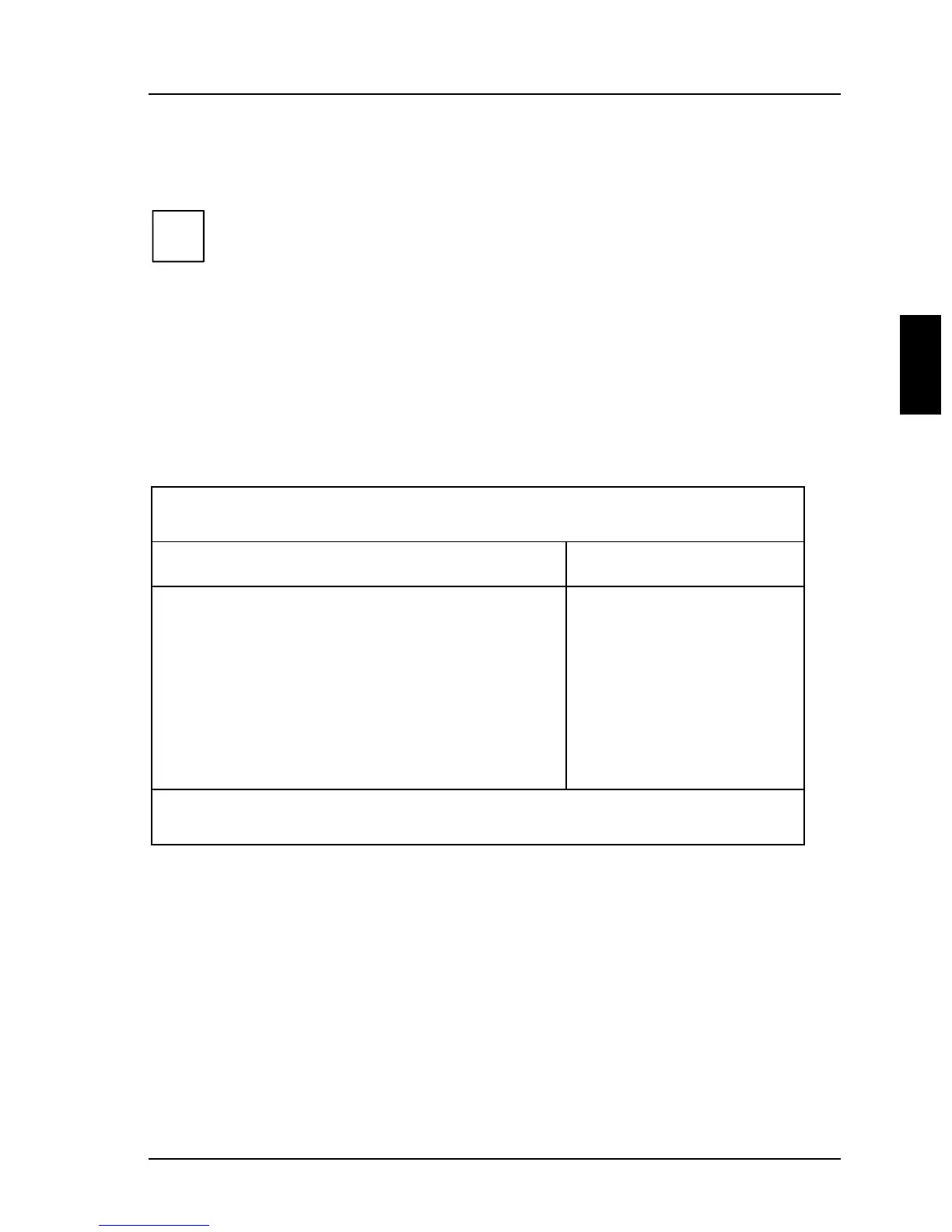
Phoenix BIOS Setup
ain
Hard Disk 1: 1 Gbyte Item Specific Help
Autotype Hard Disk: [Press Enter]
Type: [User]
Cylinders: [ 1654]
Heads: [ 16]
Sectors/Track: [ 63]
Write Precomp: [None]
Transfer Mode: [Standard]
LBA Translation: [Enabled]
PIO Mode: [Fast PIO 3]
32 Bit I/O: [Enabled]
F1 Help ↑↓ Select Item -/+ Change Values F9 Setup Defaults
ESC Exit
← → Select Menu Enter Execute Command F7 Previous Values
Example for the submenu Hard Disk



 To Next Page