81
How to operate the Sound Adjustment Mode
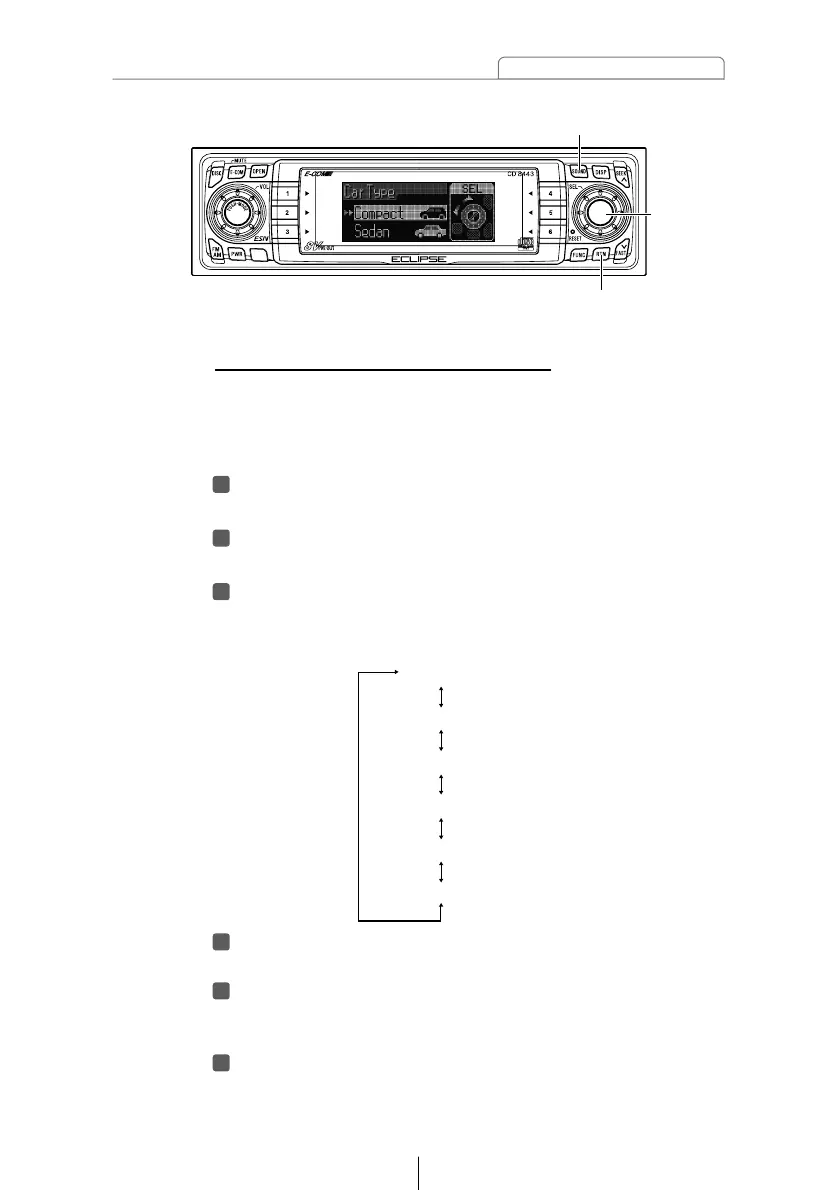
[SOUND] button
[RTN] button
[SEL]
button
Press the [RTN] button.
Other time alignment items can be set at this time.
Press the [RTN] button.
At this time, other adjustments can also be made in normal
mode.
Press the [SOUND] button for less than one second to
exit sound adjustment mode.
Selecting the type of vehicle (Car Type)
You can select the time alignment settings to match your
vehicle from a range of preset settings for different types of
vehicle, allowing you to select the optimum time alignment
settings automatically.
Turn the [SEL] button to select Car Type.
The selected item will be highlighted.
Press the [SEL] button.
The mode will change to car type selection mode.
Turn the [SEL] button to select the setting item.
When the button is turned, the setting item changes in the
following order and the selected item is highlighted.



 To Next Page