82
How to operate the Sound Adjustment Mode
Press the [RTN] button.
Other time alignment items can be set at this time.
Press the [RTN] button.
At this time, other adjustments can also be made in normal
mode.
Press the [SOUND] button for less than one second to
exit sound adjustment mode.
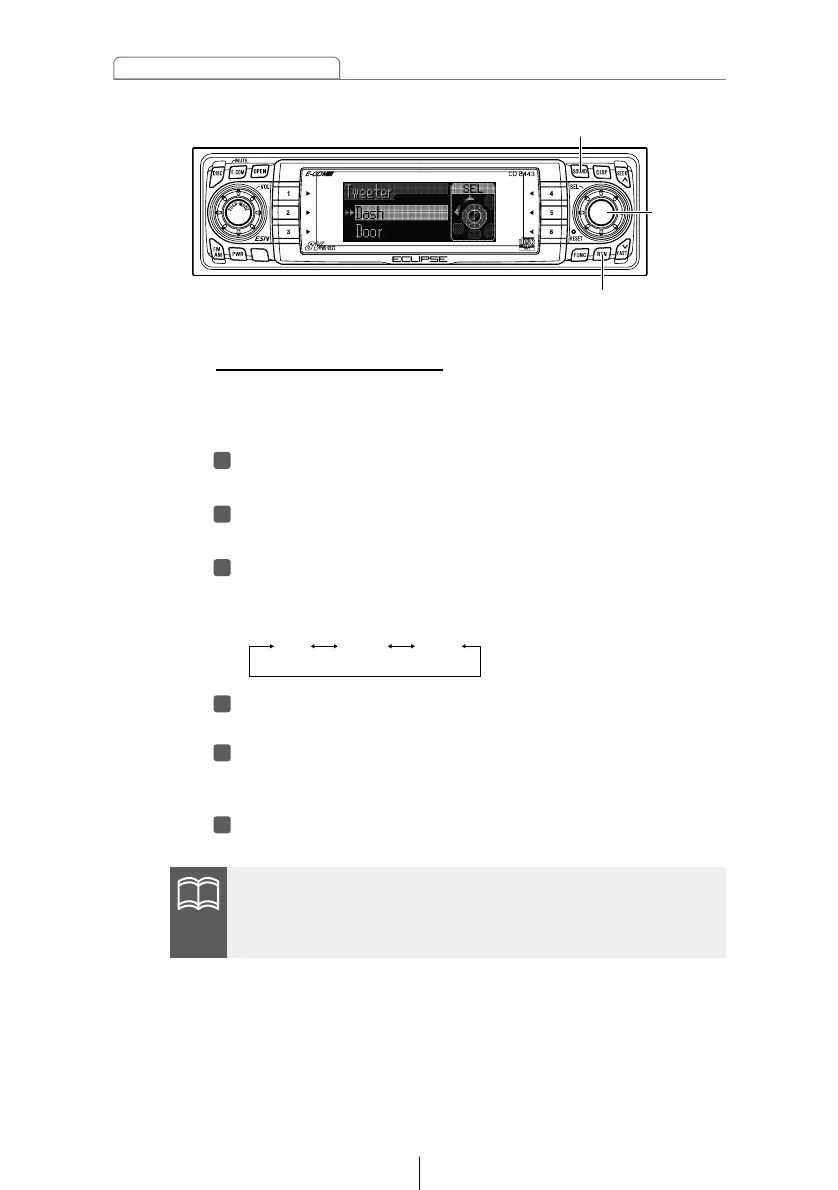
Tweeter settings (Tweeter)
You can select the tweeter installation location and whether or
not a tweeter is being used or not, allowing you to select the
optimum time alignment settings automatically.
Turn the [SEL] button to select Tweeter.
The selected item will be highlighted.
Press the [SEL] button.
The mode will change to tweeter setting mode.
Turn the [SEL] button to select the setting item.
When the button is turned, the setting item changes in the
following order and the selected item is highlighted.
If the front speakers have been installed to the dash panel, you
can set the tweeter setting to "Dash" even if no tweeter has been
installed.



 To Next Page