93
How to operate the Sound Adjustment Mode
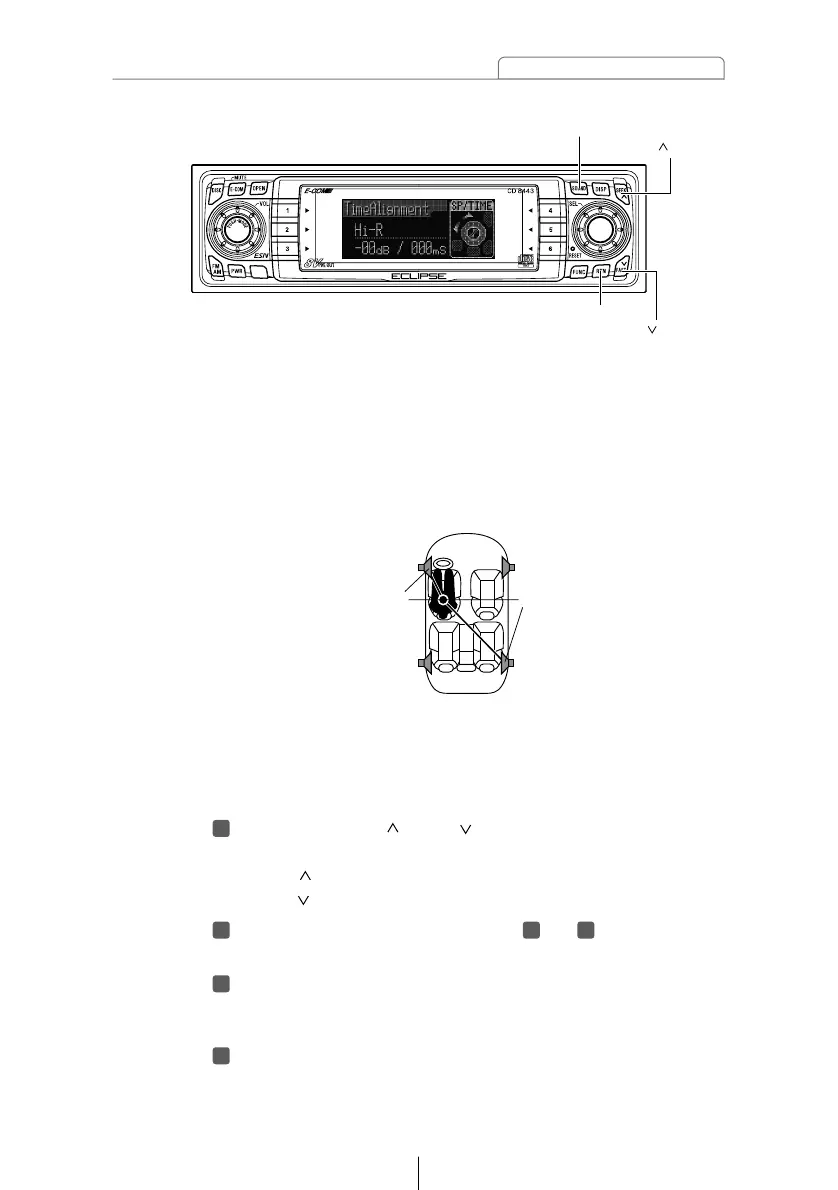
Refer to the following for the method of calculating the
delay time.
A = (B
-
C) / 34
A: Delay time (ms)
B: Distance from listening position to furthest speaker (cm)
C: Distance from listening position to the speaker to be
adjusted (cm)
(Example) Listening position: Driver's seat (left)
B: 200 (cm)
C: 50 (cm)
Delay time = 200 (cm)
-
50 (cm) / 34 = Approx. 4.4(ms)
Press the [SEEK /FAST ] button.
Adjust the level for each speaker.
[SEEK ] button: Increases level.
[FAST ] button: Decreases level.
Repeat the operations in steps to to change the
settings for each speaker.
Press the [RTN] button.
At this time, other adjustments can also be made in pro
mode.
Press the [SOUND] button for less than one second to
exit sound adjustment mode.



 To Next Page