95
How to operate the Sound Adjustment Mode
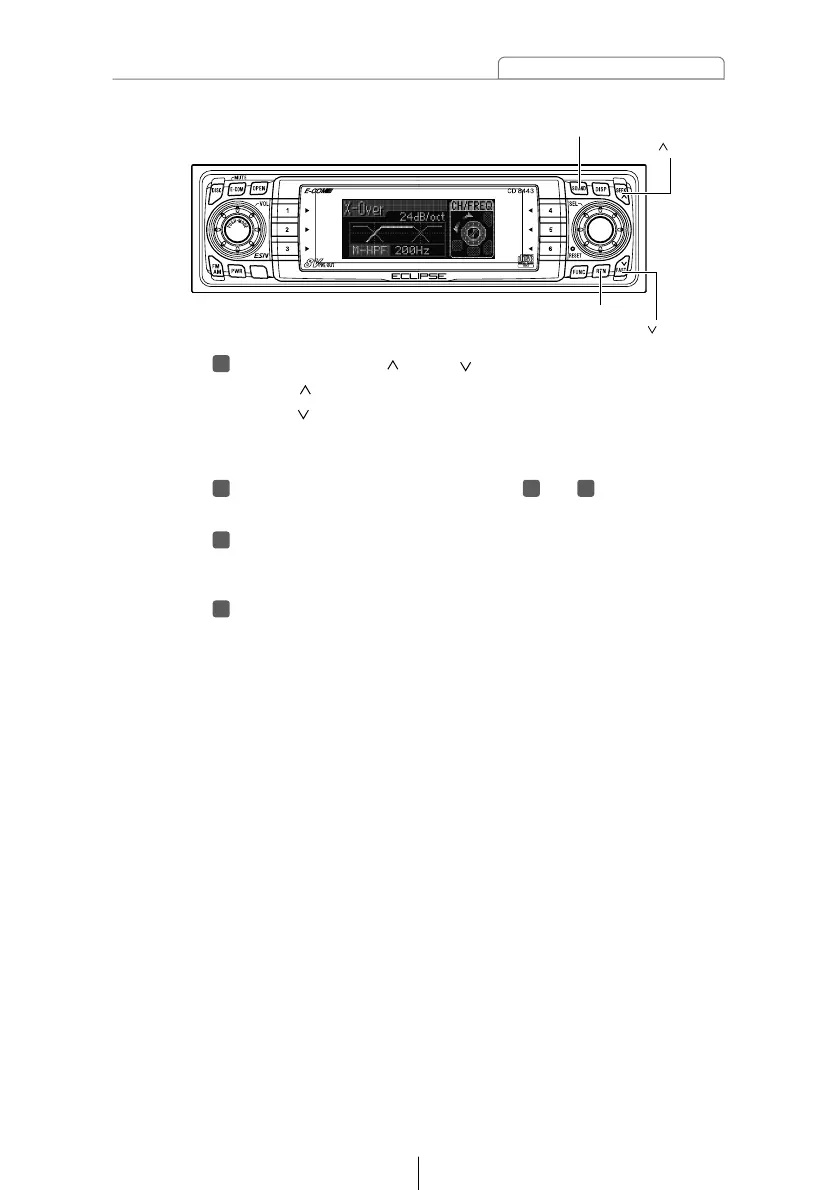
Press the [SEEK /FAST ] buttons to set the slope.
[SEEK ] button : The slope becomes more gentle.
[FAST ] button : The slope becomes steeper.
The slope can be set to "PASS", "6dB/oct", "12dB/oct",
"18dB/oct" or "24dB/oct".
Repeat the operations in steps to to change the
settings for each channel.
Press the [RTN] button.
At this time, other adjustments can also be made in pro
mode.
Press the [SOUND] button for less than one second to
exit sound adjustment mode.



 To Next Page