− 29/83 −
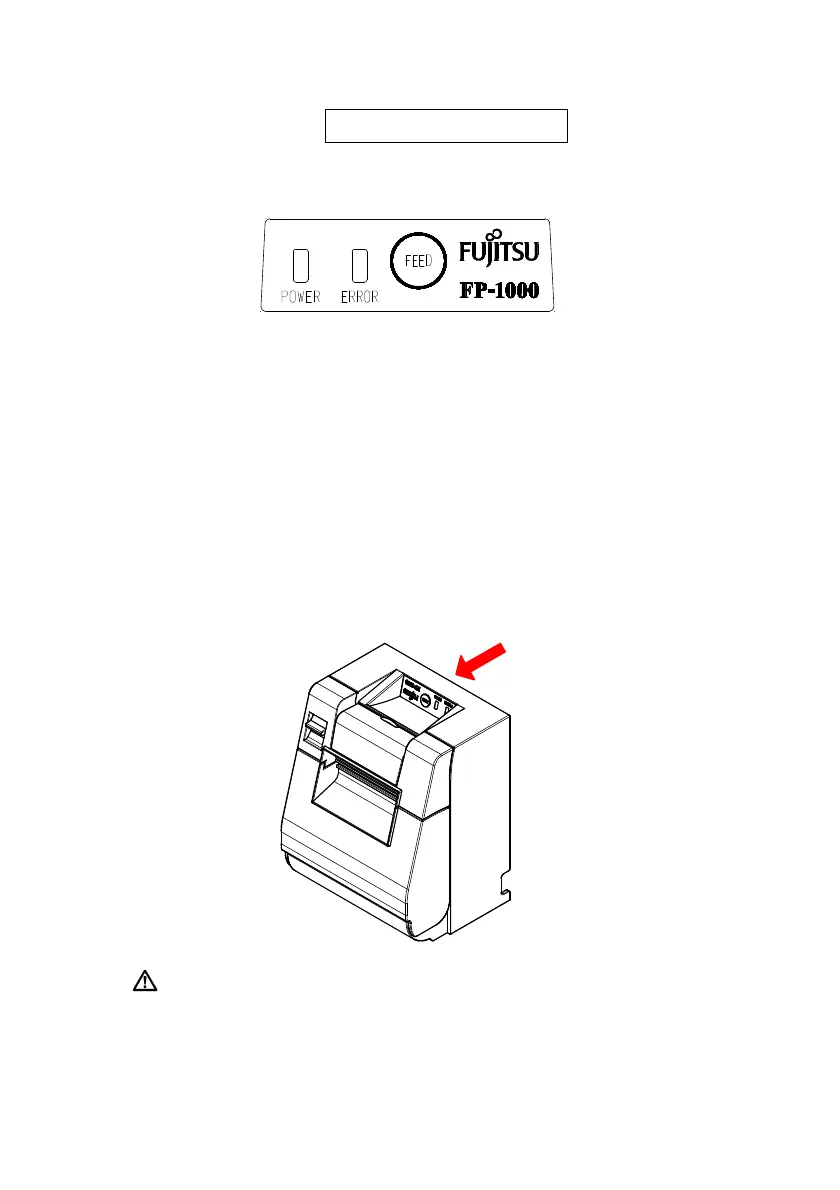
6. Control Panel
6-1. Control Panel
POWER lamp
()
If the power switch is turned on and the printer is supplied with power, this
lamp will light up.
ERROR lamp()
This lamp lights up or blinks to indicate an error.
FEED Button
Pressing this button once causes the printer to feed the paper by an amount
equivalent to one line.
Holding it down feeds the paper continuously.
Rear of the Printer
Caution: When the printer is mounted vertically, always hold the rear of
the printer when you press the FEED button to keep the printer
steady and prevent it from falling over.












 To Next Page