− 63/83 −
10. Regular Cleaning
The print quality may be impaired by paper particles, dust, or other material.
To avoid this problem, remove any paper particles or dust from the paper
holder, the paper transport, the platen roller, and the thermal head as
described below.
Perform cleaning every six months.
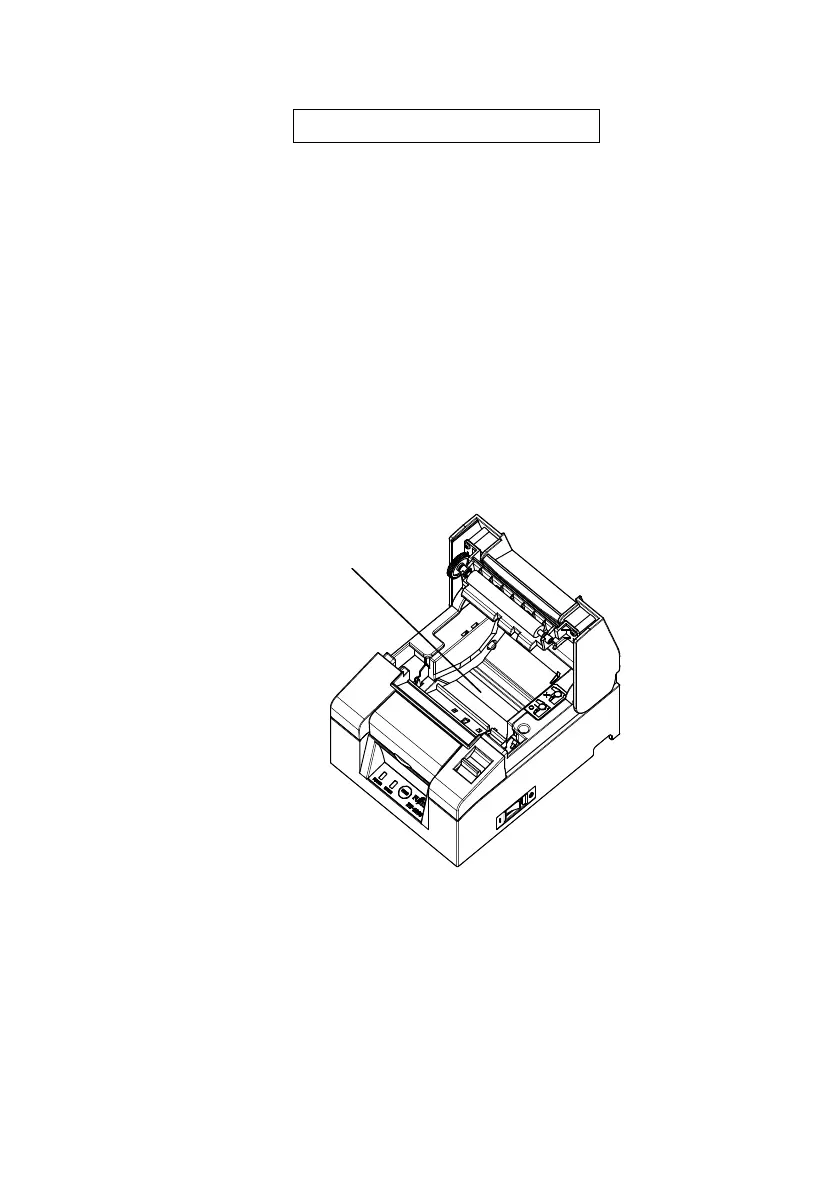
10-1. Cleaning Paper Holder and Paper Transport
(1) Be sure to turn off the printer power.
(2) Open the top cover.
(3) Wipe off any dust, paper particles, glue, or other foreign material from
the paper holder and paper transport using a soft, dry cloth.
Paper Holder and Paper Transport












 To Next Page