− 64/83 −
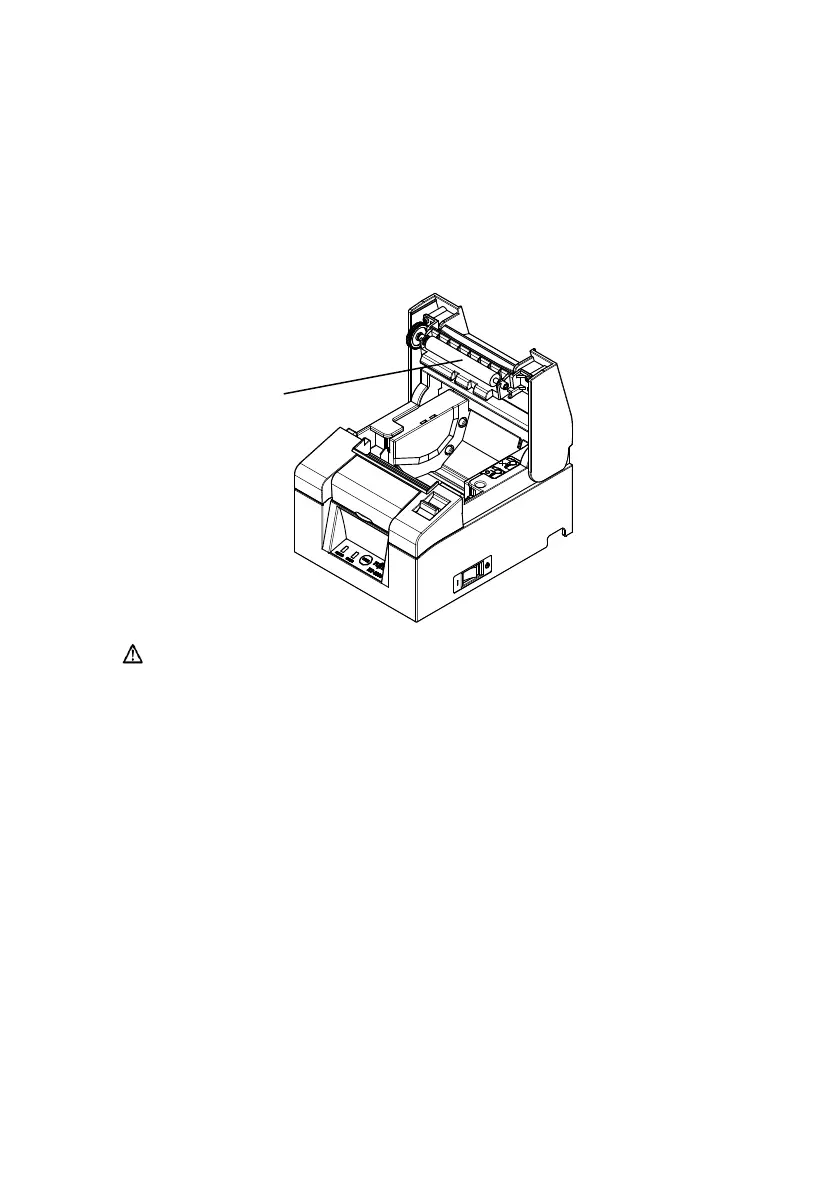
10-2. Cleaning the Platen Roller
(1) Be sure to turn off the printer power.
(2) Open the top cover.
(3) Wipe off any dust, paper particles, glue, or other foreign material from
the platen roller using a soft, dry cloth.
Platen Rolle
Caution: Do not damage or dent the platen roller.
Dents on the platen roller will cause incomplete printing
and/or line feed failure.












 To Next Page