RX300 S5 Service Supplement 37
Replacement routines Replacing the SAS backplane
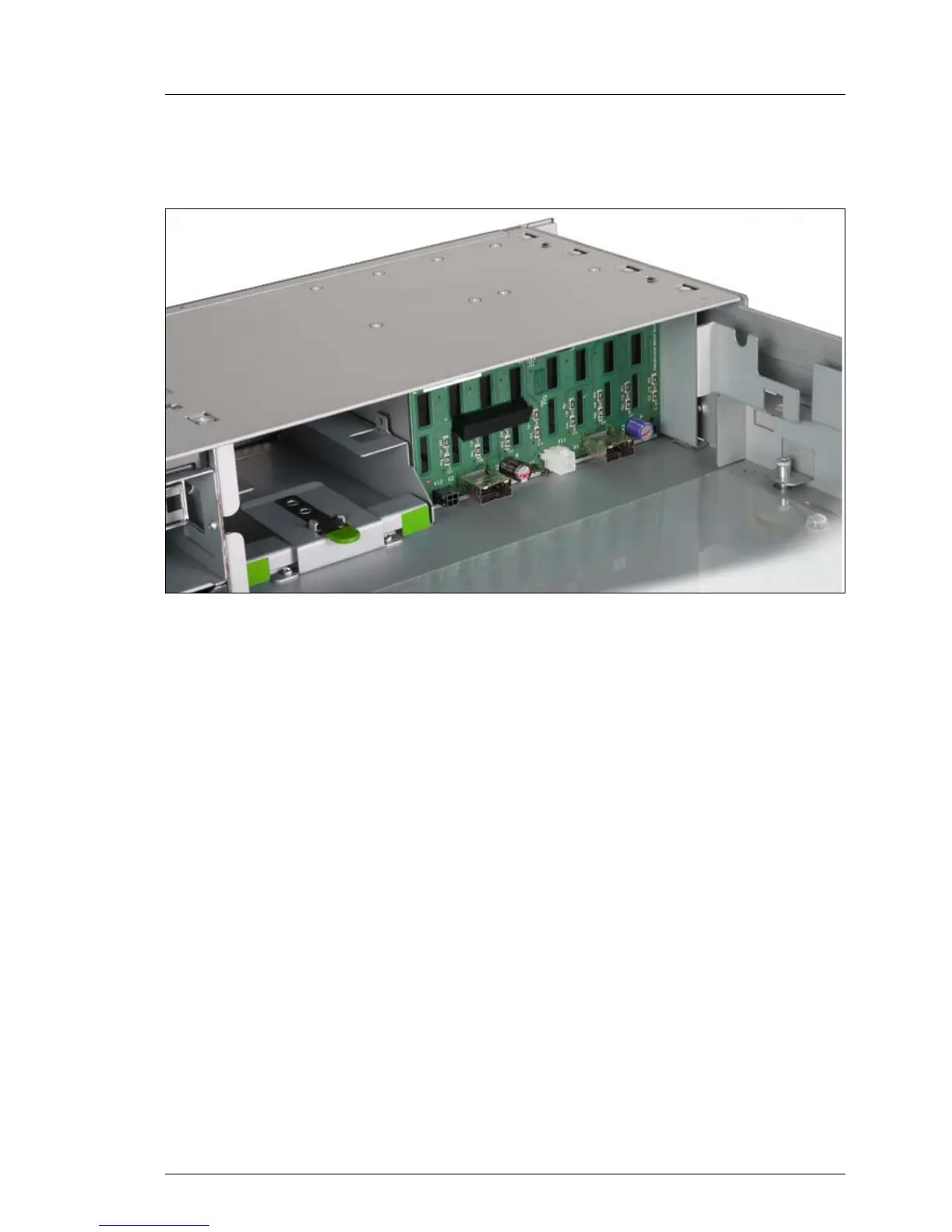
Ê Push backplane in the direction of the arrow. The backplane must be flush
with the plate.
Figure 25: Locking the SAS backlplane with the USB drive cage
Ê Push back the USB drive cage.
Ê Connect the cables to the SAS backplane.
Ê Reinstall the hard disk drives and insert the other compontents again.

 To Next Page
 Loading...