FUJITSU PSWITCH User’s Guide
160 December/2018
Considering the restoration, please remember where each module is
connected.
8. Remove the rack rails and L-shaped brackets from the failed device.
Please refer to the installation procedure of the rack rail and the L-shaped
bracket, described in 9.
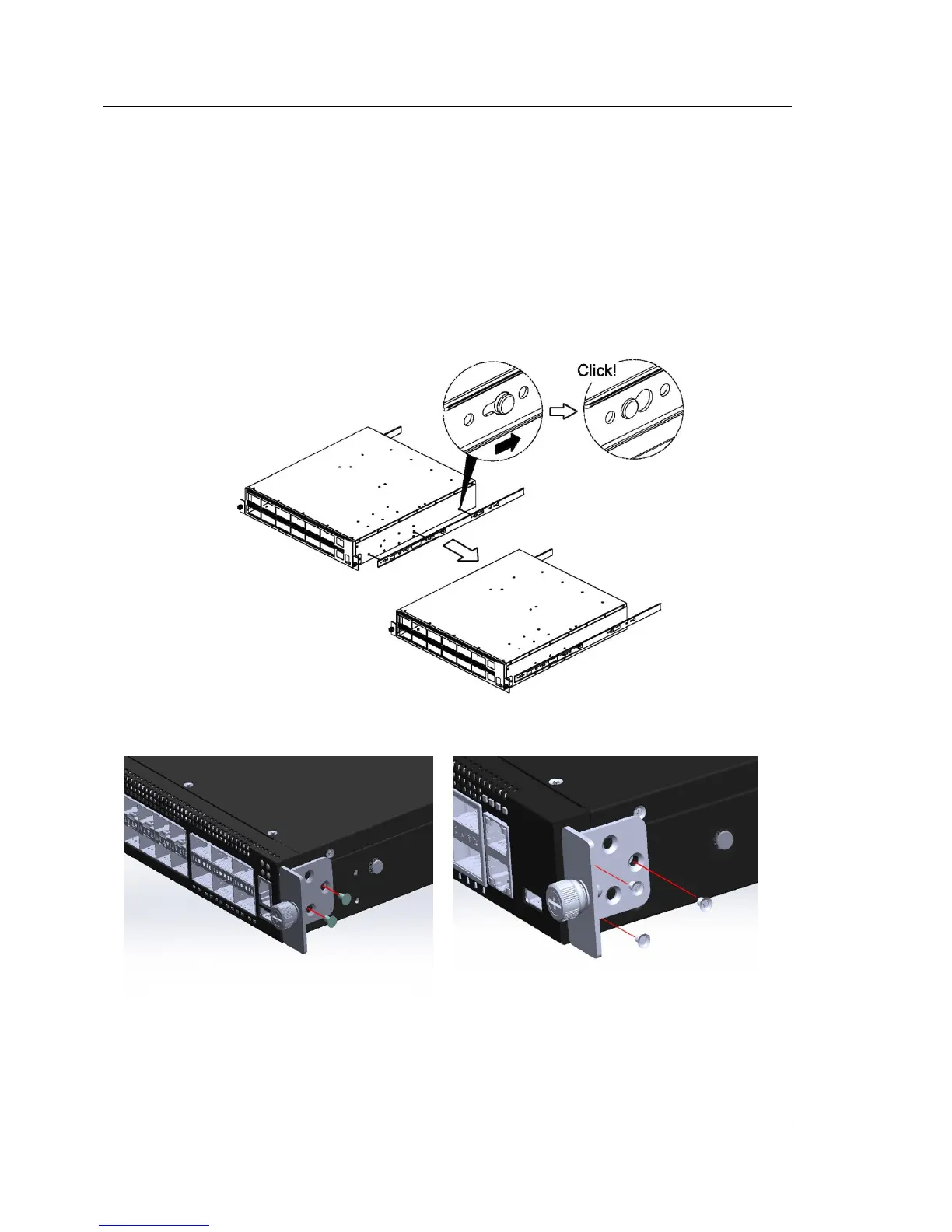
9. Replace the failed device with the spare device. Remove the rack rail and
L-shaped bracket from the failed device. And attach the rack rails and L-shaped
brackets to the spare device.
Figure 4-4: Attachment of rack rail
Figure 4-5: Attachment of L-shaped bracket
You can see the unit label on the L-shaped bracket.



 To Next Page