FUJITSU PSWITCH User’s Guide
20 December/2018
Please install SFP+/QSFP modules according to the following procedure.
1. Select the appropriate SFP+/QSFP module according to your requirements.
2. Refer to the above figure and insert the module so that the connector face
faces down.
3. Insert the module tightly until it is fixed.
SFP+/QSFP modules can be hot swapped. It is not necessary to turn off the
unit when inserting or removing a module. However, when inserting or
removing a module, unplug the network cable from the module
beforehand.
SFP+/QSFP modules are not included with the switch.
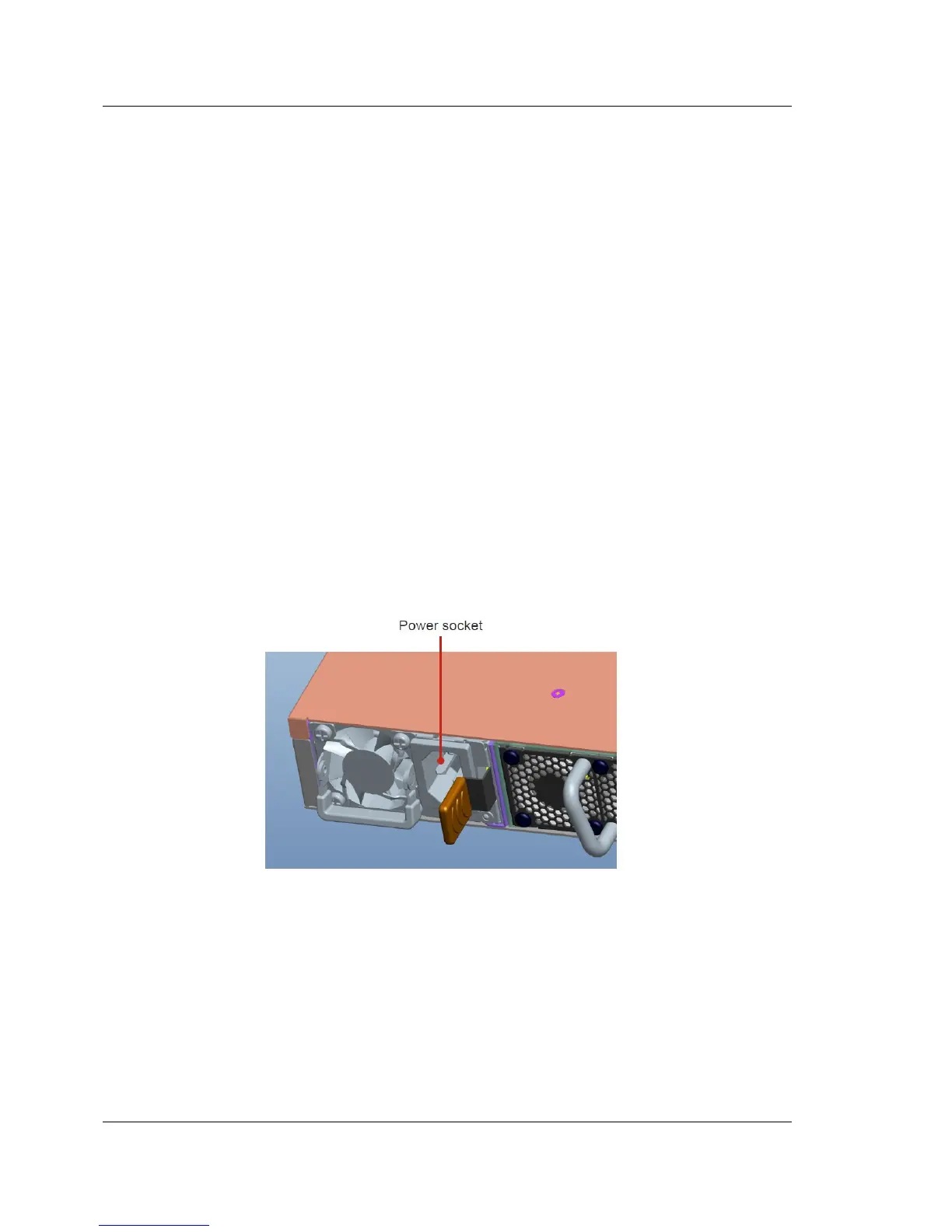
2.1.4. Connection to a Power Source
Plug the power cable’s plug into the power socket of the PSU. Plug the other end of
the cable into a grounded, 3-pin, AC power source. In the same way, connect the
other power cable into the other PSU.
Figure 2-10: Power Supply Unit
Lock the power cable as shown below.



 To Next Page