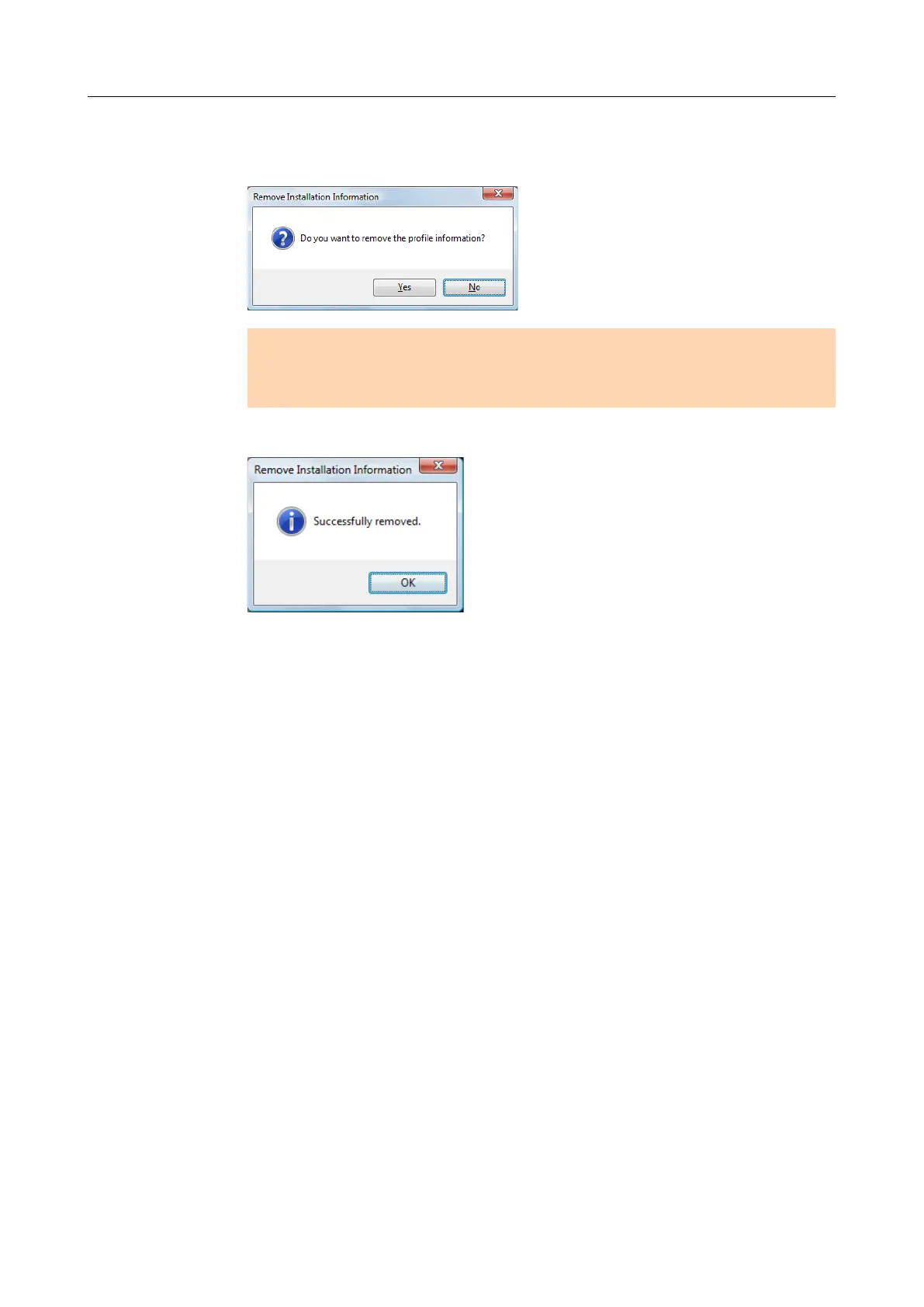
3. Click the [Yes] button to remove and the [No] button to keep the profile
information.
ATTENTION
If the problem persists when you kept the profile information then reinstalled the software,
try again after removing the profile information.
aThe installation information is removed, and the following message appears.
4. Click the [OK] button to close the [Remove Installation Information] dialog box.
If you have installed the software before
18



 To Next Page
 Loading...













