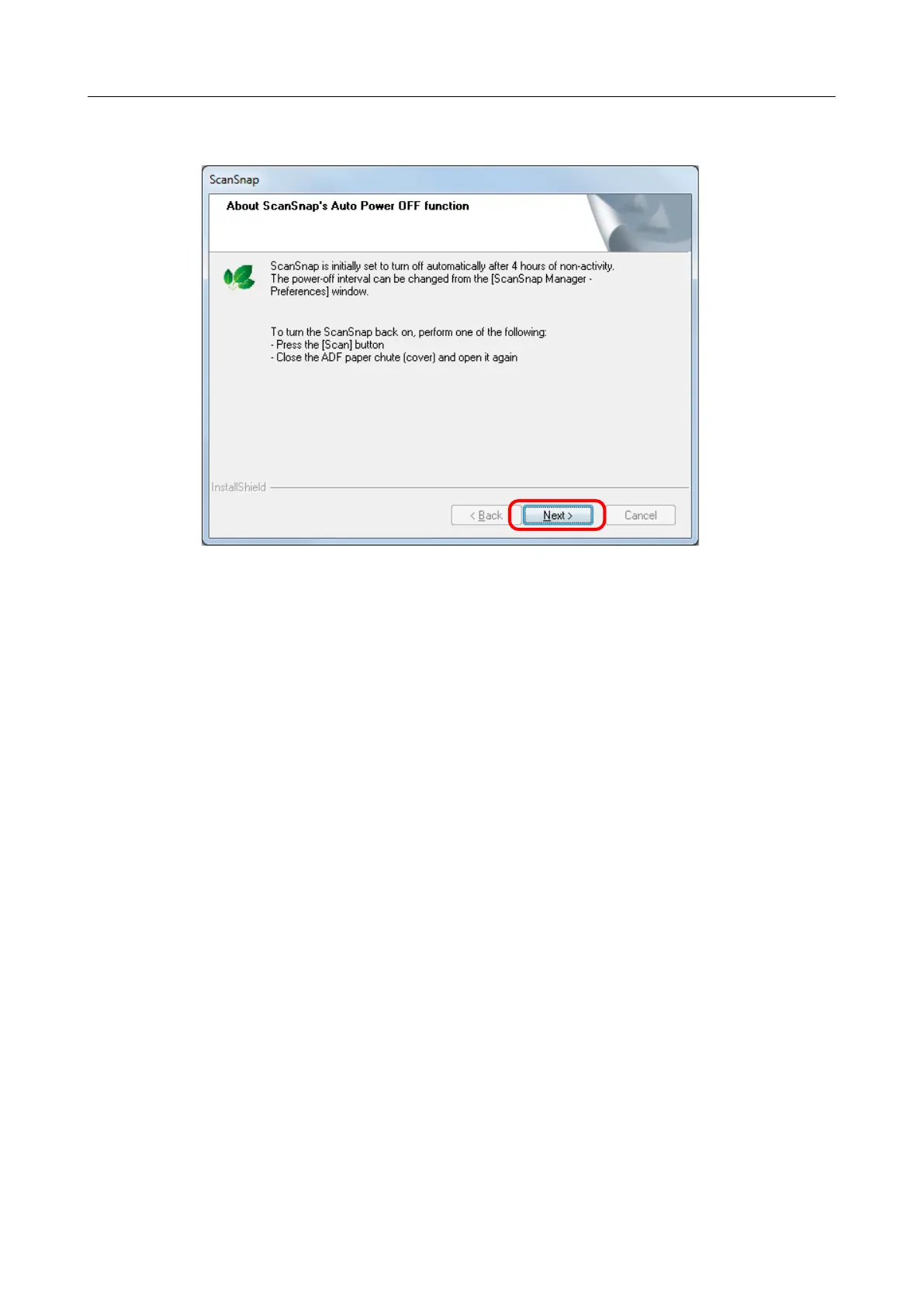
10. Read the explanation, and then click the [Next] button.
aThe [Install Complete] screen appears.
11. Click the [Finish] button.
aWhen you have ScanSnap Manager installed, the [ScanSnap - Connecting the
ScanSnap] screen appears.
When you do not have ScanSnap Manager installed, proceed to step 14..
Installing in Windows
44



 To Next Page
 Loading...













