4-7
Chapter 4 Entering Patient Information Loading Information from the DMS (Master ID)
Loading Information from the DMS (Master ID)
The patient information can be searched and loaded from the DMS by entering the ID number.
The following items can be loaded using Master ID.
Set [Patient] - [Patient Reference] to [Master ID] for patient information setting beforehand.
Also, configure the communication settings. (
"Communication" P13-10)
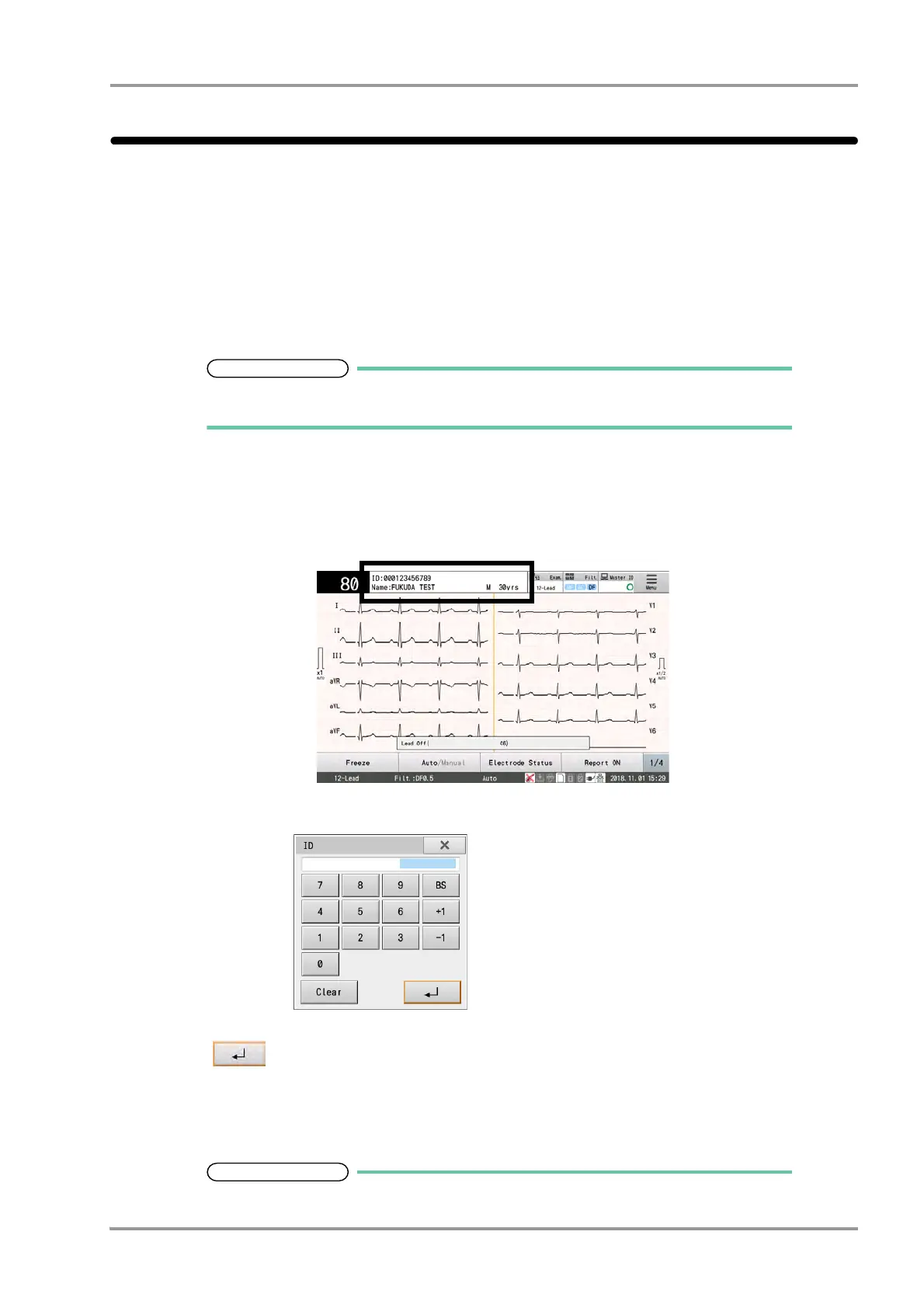
1Touch the patient information display area to display the Patient Information Setting window and then touch
[ID].
2Enter the ID number using the alphanumeric keys.
3Touch .
The ID entered is reflected in the "Patient Information Setting" window.
The patient information is loaded from the DMS using the ID number entered as a key and displayed in the
Patient Information Setting window.
The message "No patient information was found for the entered ID number" is displayed if
First name/Last name Weight Medicine 1
Birth date Systolic pressure Subjective symptoms
Age Diastolic pressure Comment (max.: 22 single-byte characters)
Gender Ward (Department Code 1)
Height Depart (Department Code 2)



 To Next Page