1-10
Chapter 1 General Description Basic Operation Procedure
Basic Operation Procedure
This section describes setting value selection, numeric input, character input, and common operation procedures.
Display Operation
Touch key operation
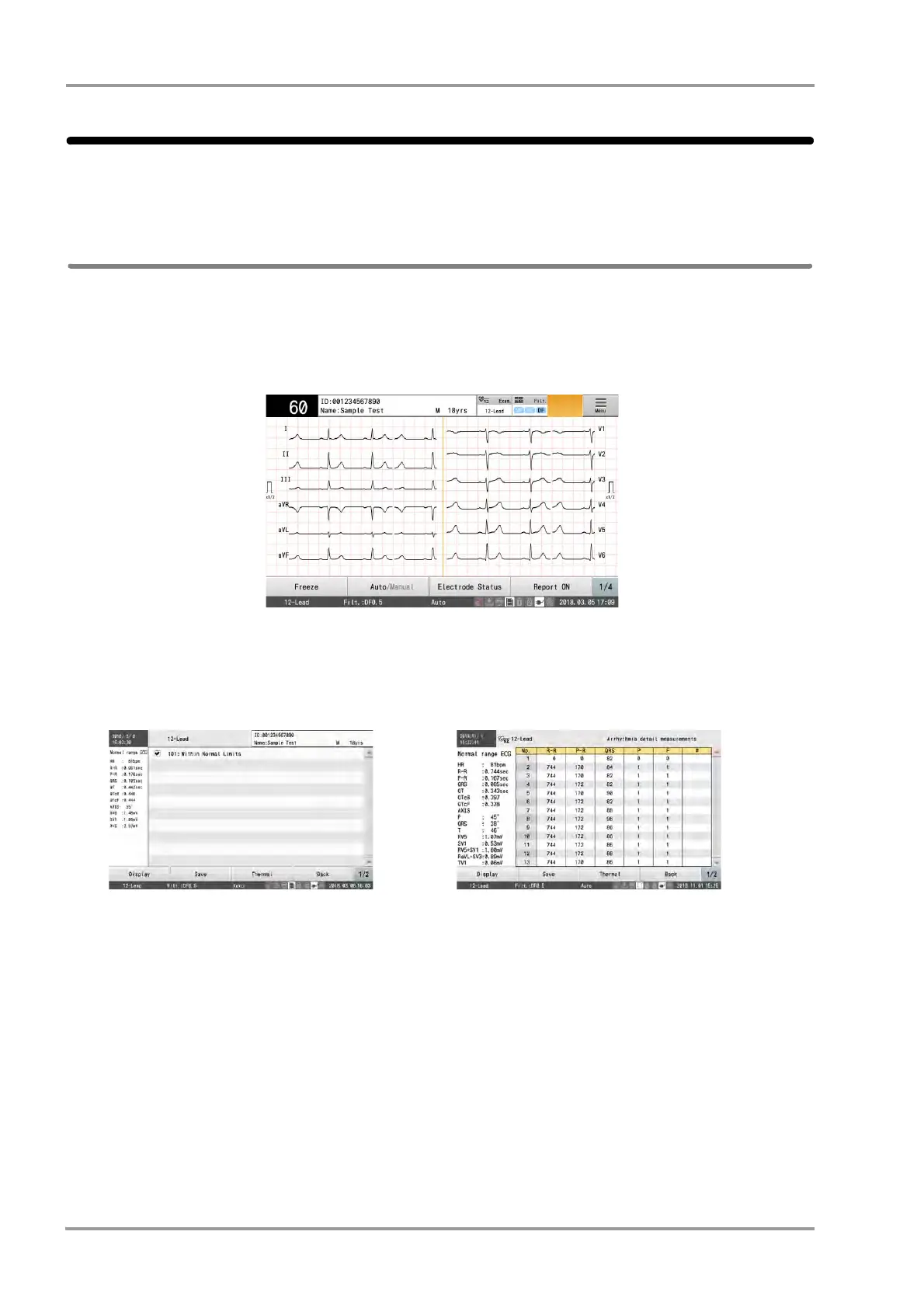
This device is operated using operation panel button and keys that appear in the display.
Touch operation
The touch key will respond by pressing any part of the key.
Flick Operation
Flick left or right on the screen (slide your finger quickly across the screen) to switch display screens.
For example, when the analysis result window is displayed, the window can be changed to the detailed
measurement window or dominant waveform window by flicking on the screen.
Double Touch Operation
Touch the screen twice quickly to zoom in waveforms.
For example, double touch the desired part in the dominant waveform window to display enlarged waveforms.
Analysis Result Window Detailed Measurement Window


 To Next Page