46
If your F400 is on your local network, you can upload this file through the web interface.
Transfer via “Sneakernet”
Make sure your F400 is not currently running a print. Remove the SD card from the control panel and carry it back
to your computer.
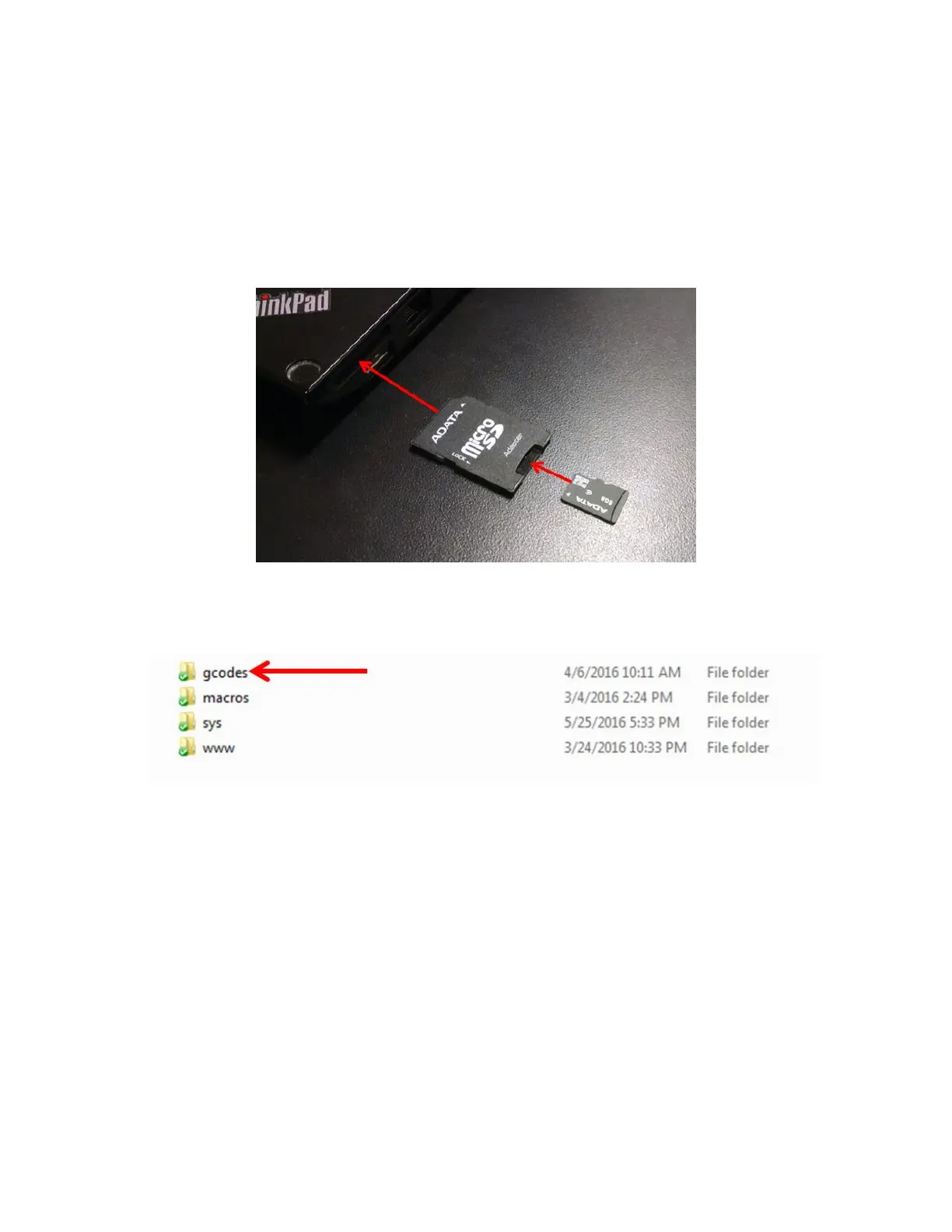
Your toolkit includes a micro-SD to SD card adapter. You will need this to insert the card into your computer.
Open the /gcodes/ folder on the SD card and copy your .GCODE file to it. (Do not copy the file to the root directory
of the card as it will not show up)
Once the file transfer is complete, eject the SD card from your computer and put it back in the slot in the control
panel. Press the “Stop / reset” button to reboot the printer.
Transfer Via the Web Interface
Log into the web interface and go to the “G-Code Files” tab. Click the “Upload G-Code Files” button.



 To Next Page