60
NOTE: some filaments, such as polycarbonate and other very high temperature materials cannot be loaded with
this automatic sequence; it does not get the print head hot enough for them. For these materials you will need to
manually heat the print head and feed the filament through the feed tube and up to the print head by hand.
9.5 Unloading Filament
Unloading filament is simple: Simply run the “Unload Filament” macro. Your F400 will heat up the print head, feed
forward a little, then reverse the filament out of the print head.
Once the extruder stops turning, simply tug the filament free from the inlet tube.
We recommend retaining the end of the filament to the spool with tape or by routing it through one of the holes
on the side of the spool.
9.6 Cleaning the Print Bed
NOTE: Only normal tap water should be used to clean your print bed. Other cleaners such as Windex, rubbing
alcohol, etc can leave residues that negatively impact part adhesion.
Wait for the bed to cool below 45
o
C.
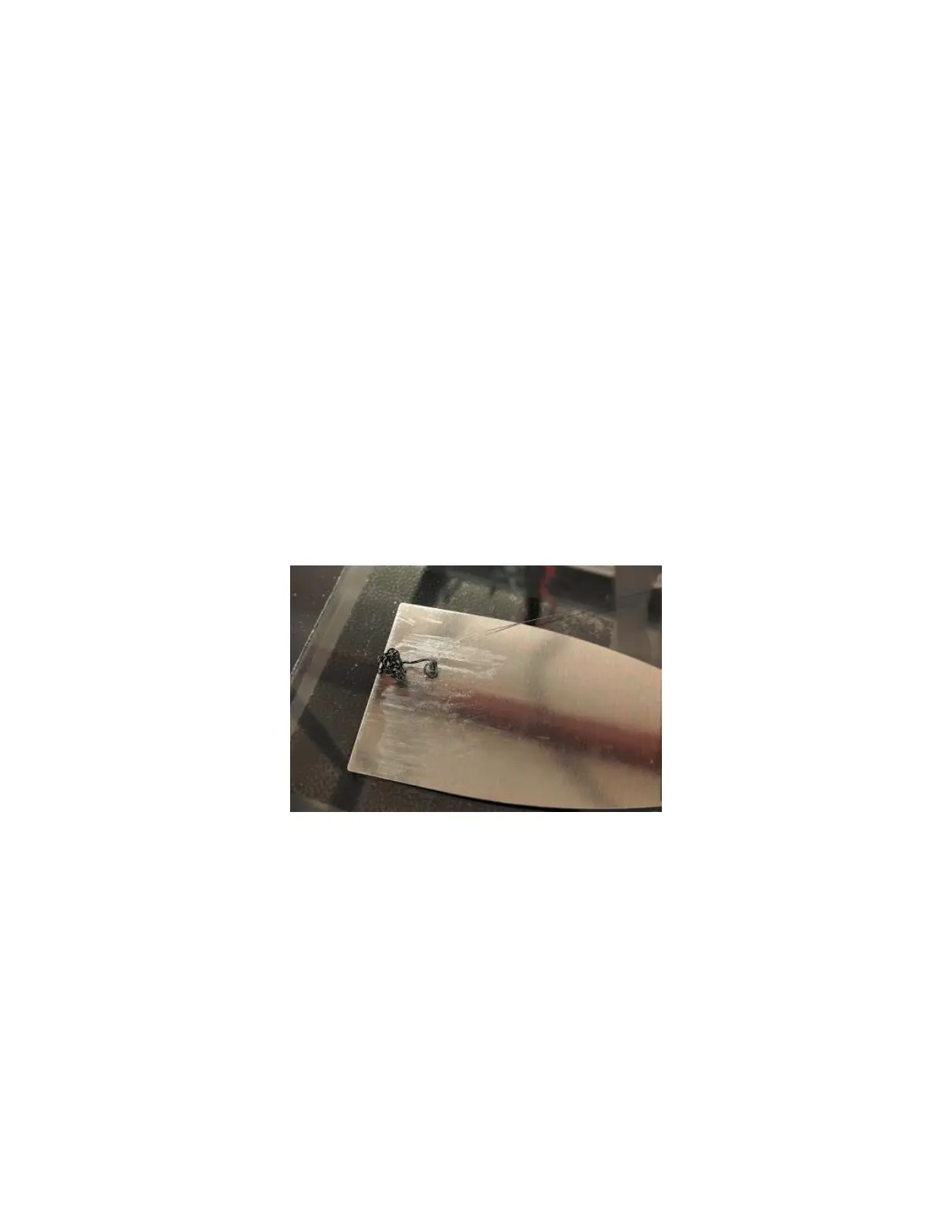
Use your fingers or your part scraper to remove the priming skirt (the loop printed around your part) and the
priming pile from the bed.
Use a spray bottle filled with normal tap water to wet the bed down. This will cause the glue to turn purple again.



 To Next Page