68
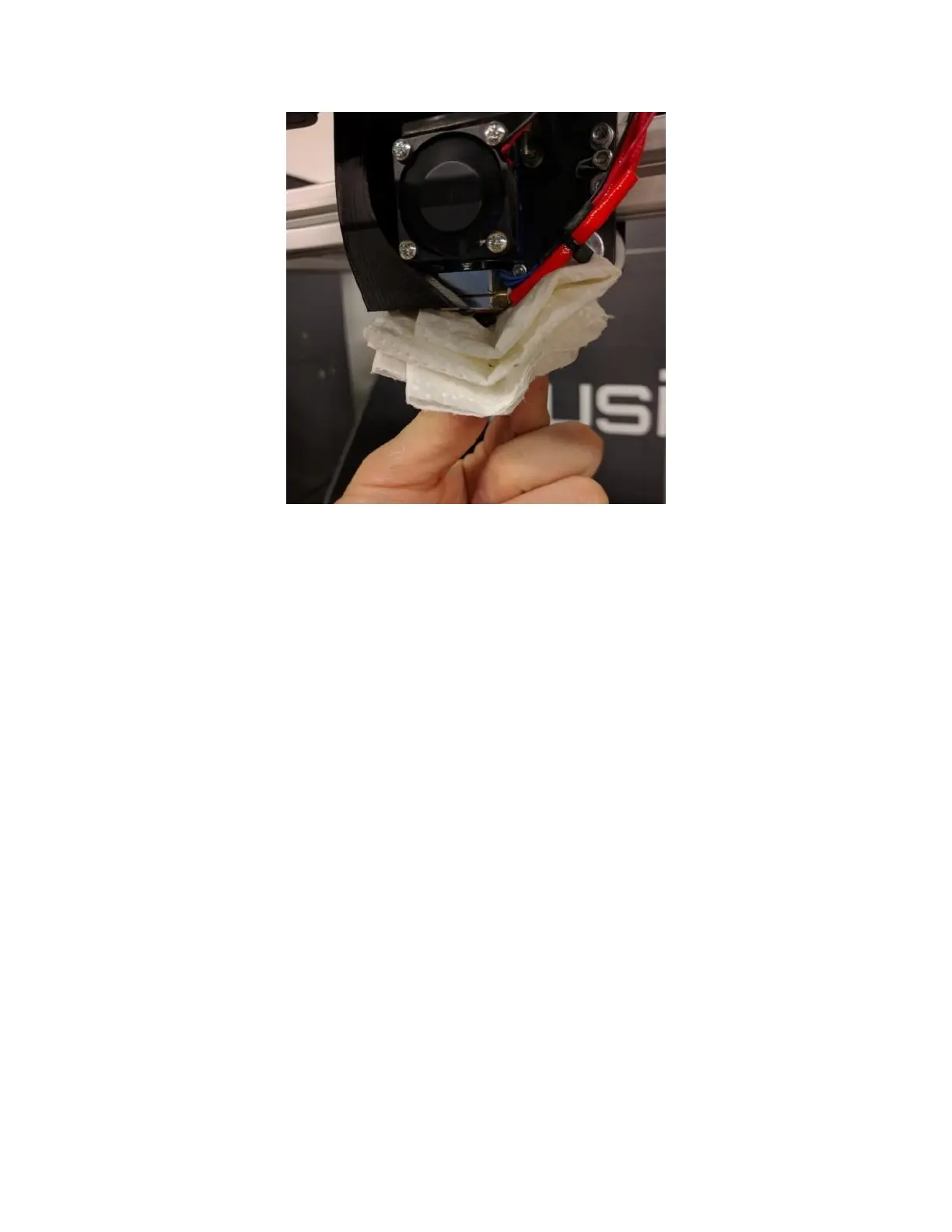
Note: It’s normal for the surface of the print head to become dark and coated with carbon after a while. This
buildup does not pose an issue and can be left alone.
11.2 Check Thermistor Hold Screw
Visually inspect the thermistor hold screw to ensure it’s in place.
Service Interval: When the print head is cleaned
The thermistor hold screw is what keeps the temperature sensor in the print head in place. If it comes loose or
falls out, the sensor can become dislodged and cause your print head to not function properly.
You should not use a hex wrench to check the tightness unless it’s obviously loose; continuously tightening it can
damage the sensor leads under the washer. If you need to tighten it, you will need a 2mm hex wrench.



 To Next Page