22
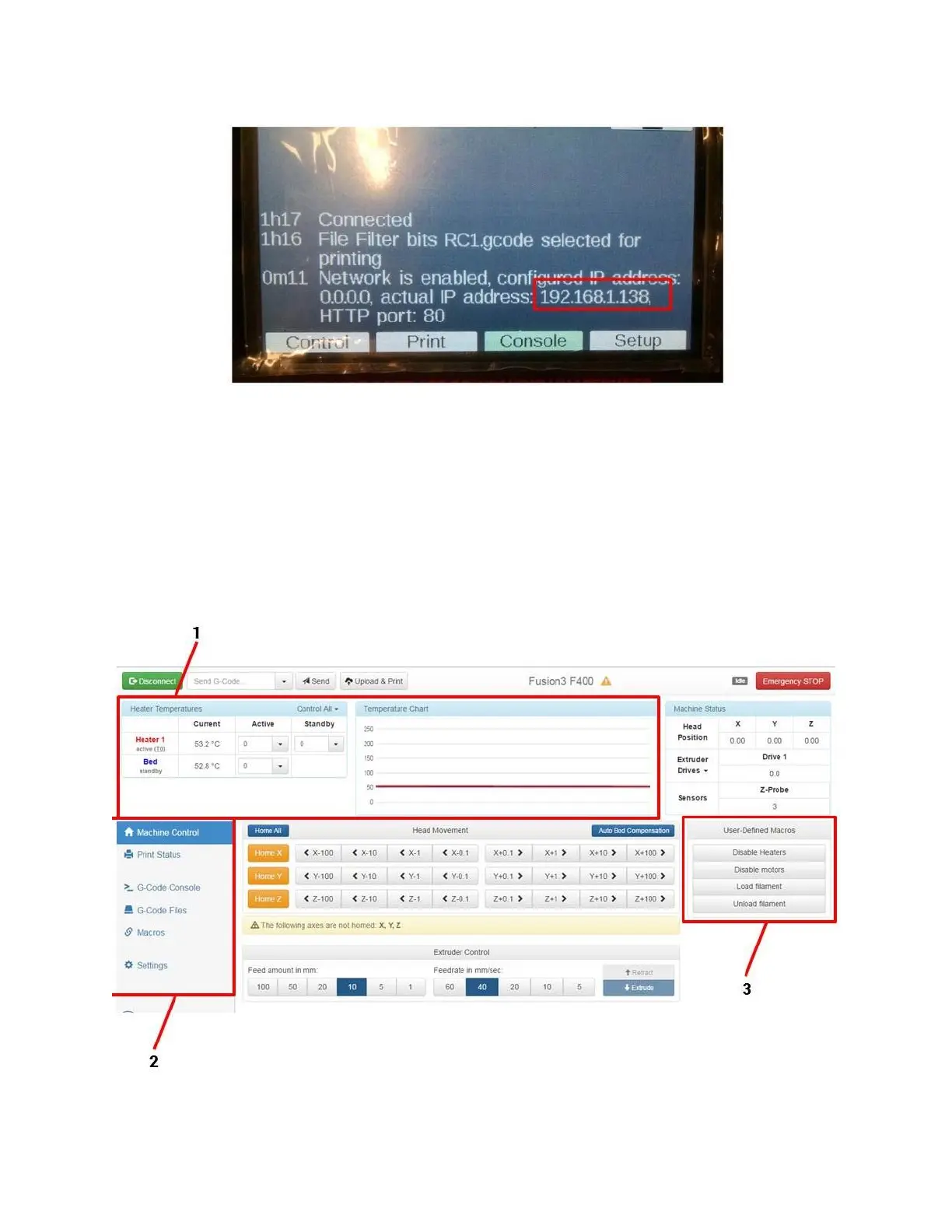
3. Once the printer reports a valid IP address, type that IP address into your computer’s browser. The web
page should load.
6.2 Web Interface Description
Much like the Control Panel, the web interfaces is divided into a series of tabs or screens that focus on different
aspects of operating the printer.
6.2.1 Machine Control Tab
This is the default tab you will see when you log into the web interface.



 To Next Page