51
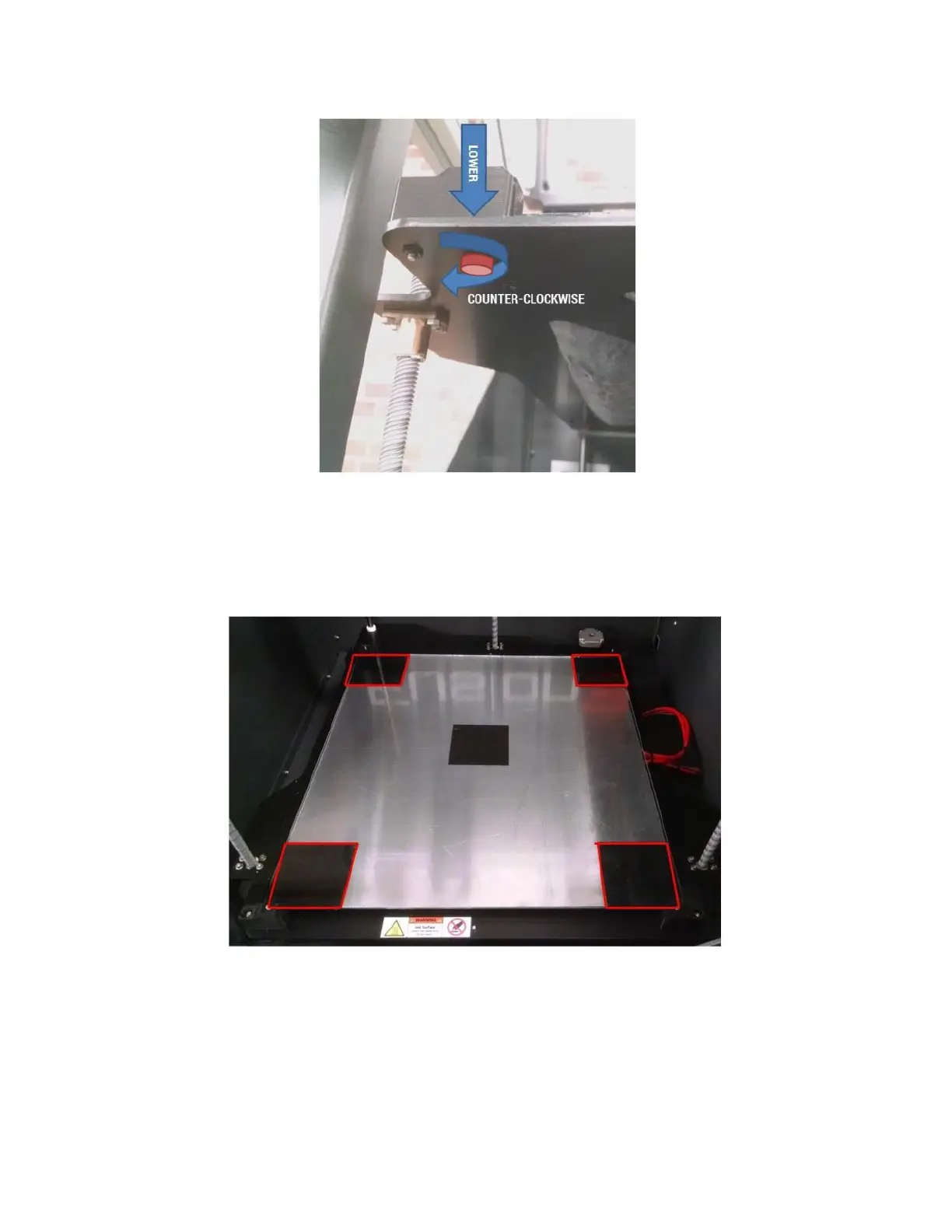
Your bed surface has 5 squares of black material. The infra-red sensor uses these locations to check the bed level.
Unless you are printing a part that’s large enough to overlap these areas, you should refrain from putting gluestick
over the squares since this will impact the reading the IR sensor gets.
Note: this only applies to the corner squares, NOT the center one. The center one is not used by the sensor.
The corners of the bed are supported on springs; this is what allows you to adjust the height of each corner. The
center of the bed is supported on a fixed standoff.
At the beginning of every print, the printer will check the bed level as part of the start sequence. You do not need
to manually trigger the bed leveling procedure.



 To Next Page