58
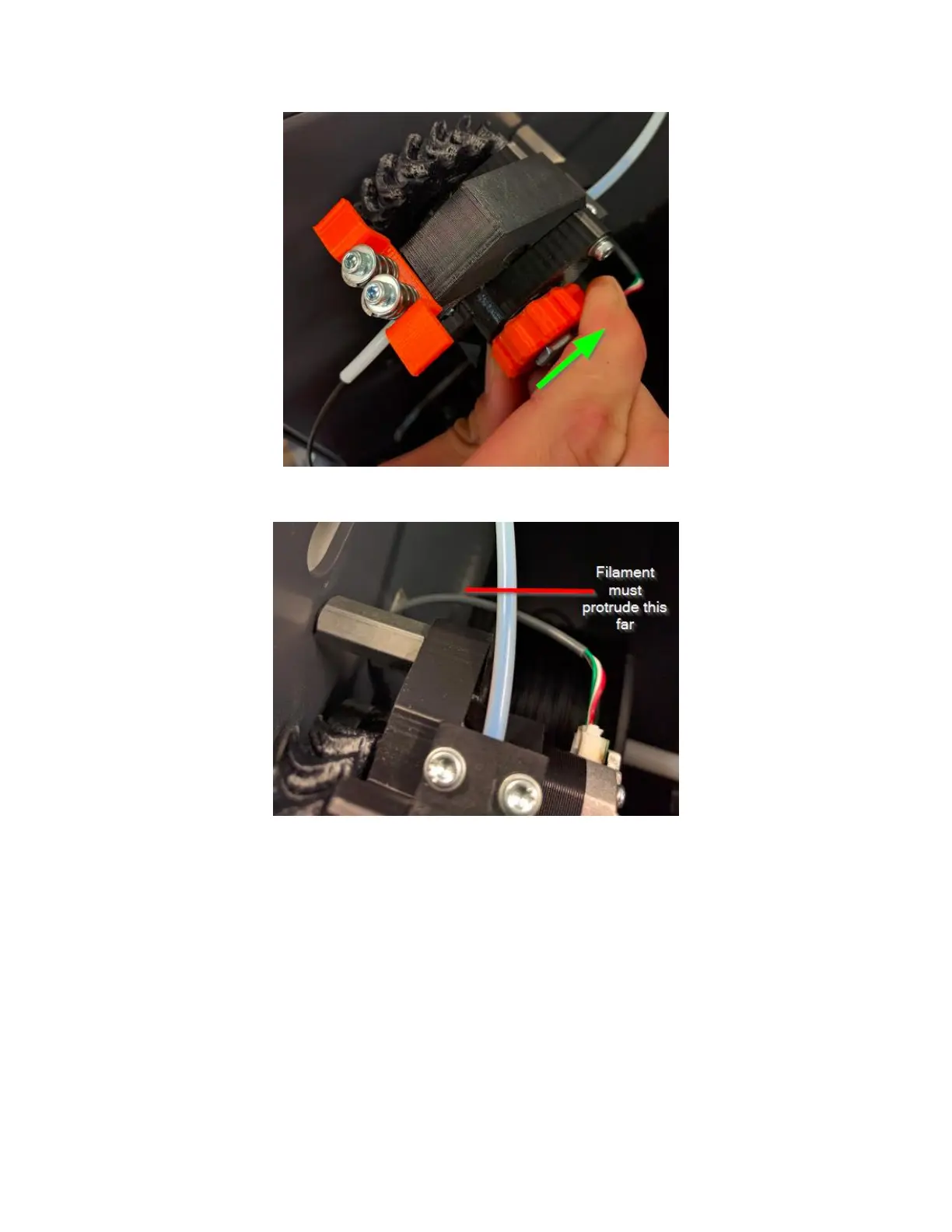
Continue to turn the wheel until you see the filament protrude into the feed tube about 0.5 inches.
Now run the “Load Filament” macro. This will home the z axis (to make sure it’s out of the way), heat up the print
head, and then feed the filament through the feed tube and into the print head. It will then slowly purge a few
hundred millimeters of filament to clear out any old material or color.



 To Next Page