71
11.4.2 Gear Lash
While spinning the extruder by hand, check for lash in the gears by gently reversing the direction you’re turning
the extruder. Observe the gears and make sure there isn’t a “dead spot” where one gear turns but the other stays
still. If you wiggle the extruder shaft back and forth you may be able to feel a small tap or click if there is lash.
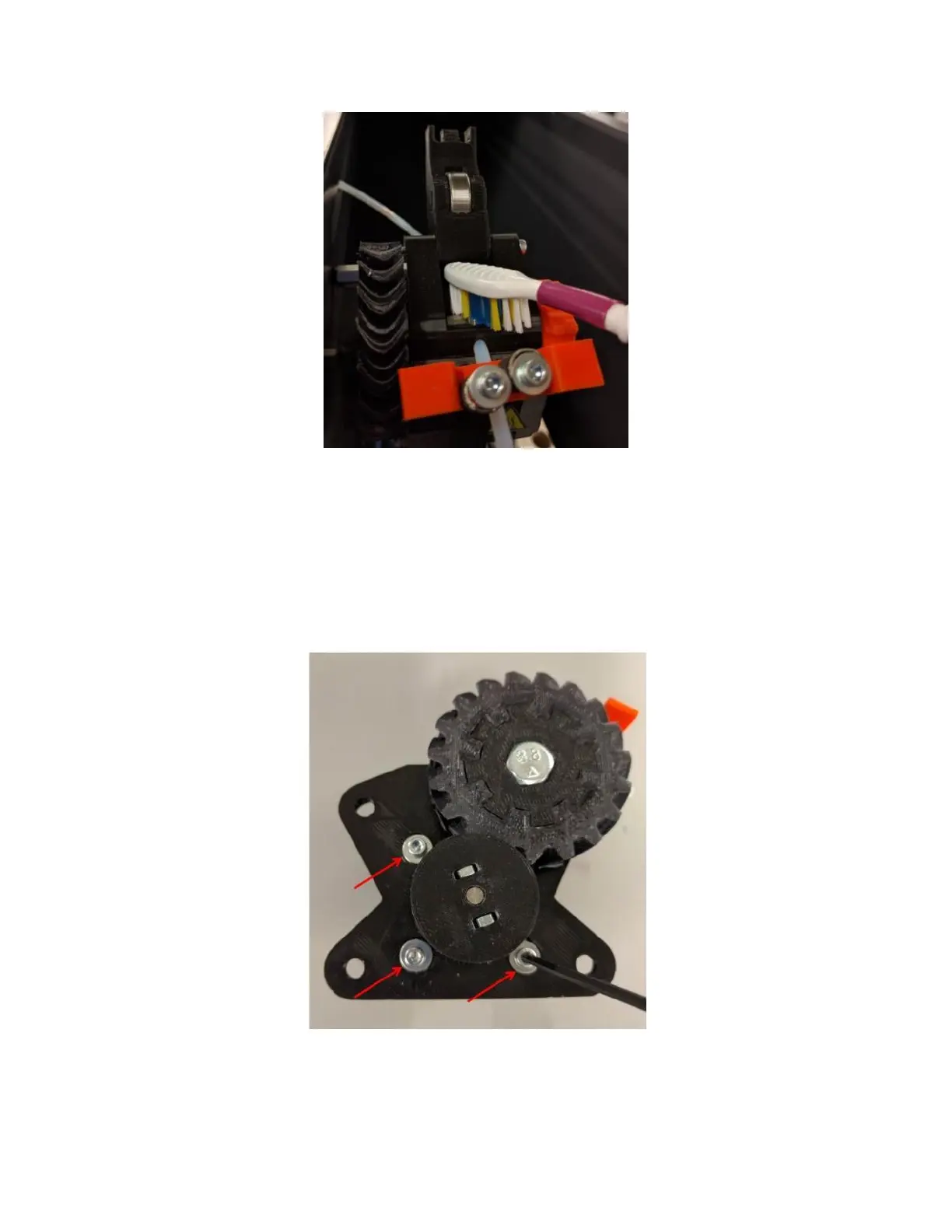
To fix gear lash, remove the extruder from the printer (see section 11.9).
Turn the extruder onto its back and loosen the 3 M3 screws the hold the motor onto the main assembly
If you have Loctite on hand, you may want to completely remove the screws, add Loctite, and then reinstall them.
Slide the motor up until the gears mesh firmly. Tighten the 3 screws finger tight.



 To Next Page