81
If possible unload the filament from the printer. If you are attempting to recover from a jam, you won’t
be able to unload the filament; that’s ok.
Print head should be COLD
Printer should be POWERED OFF
11.9.1 Removal
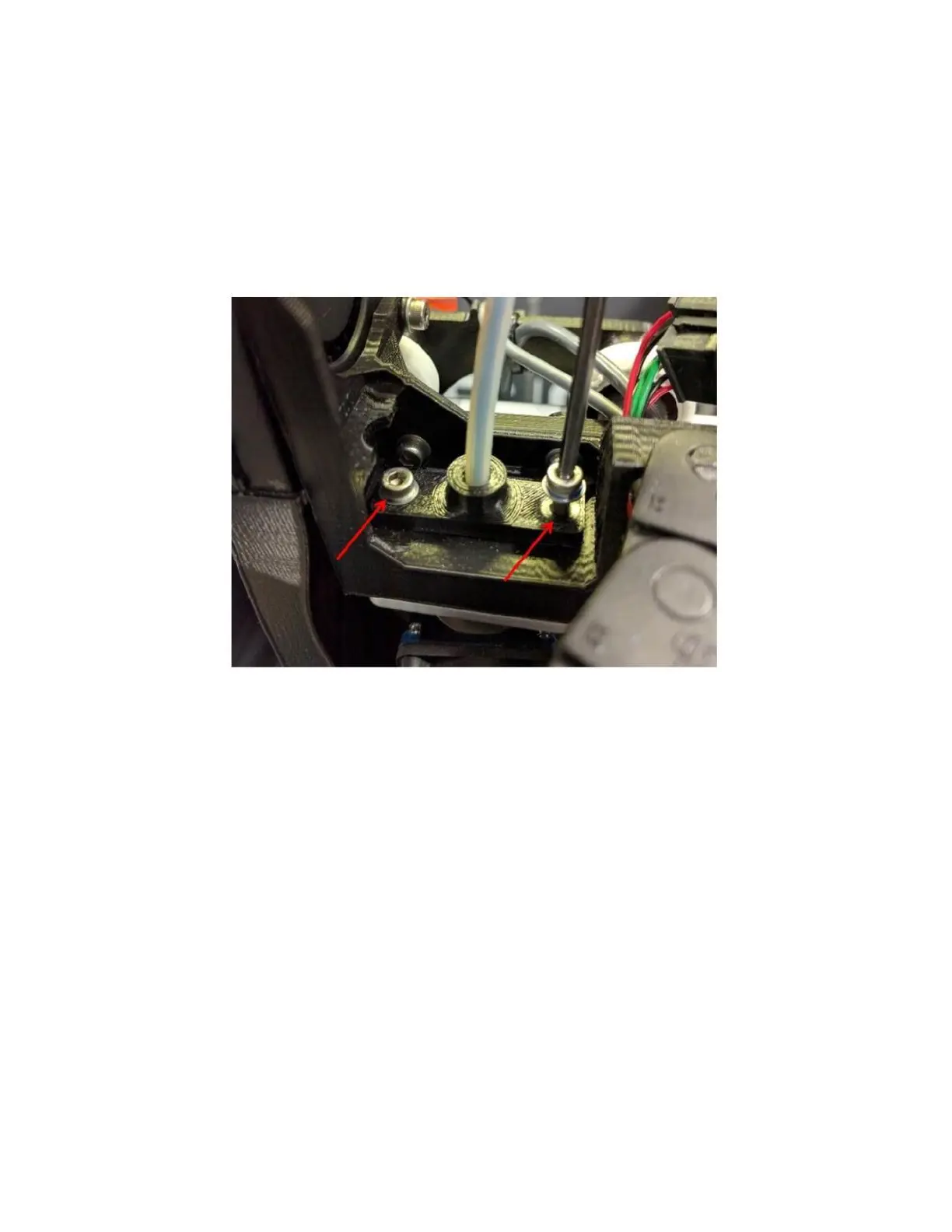
Use the 2.5mm hex wrench to remove the 2 M3 screws shown below
Tug the tube retention plate straight up until it hits the blower mount on the left



 To Next Page