96
If this is the first time you’ve connected your computer to the board, it’s likely it will now install additional drivers.
These buttons can be hard to press. If you have trouble, you can use something non-conductive to press them.
DO NOT USE something like a screwdriver or other metallic object.
11.12.3 Upload the Firmware
On your computer, navigate to the unzipped folder containing the firmware.
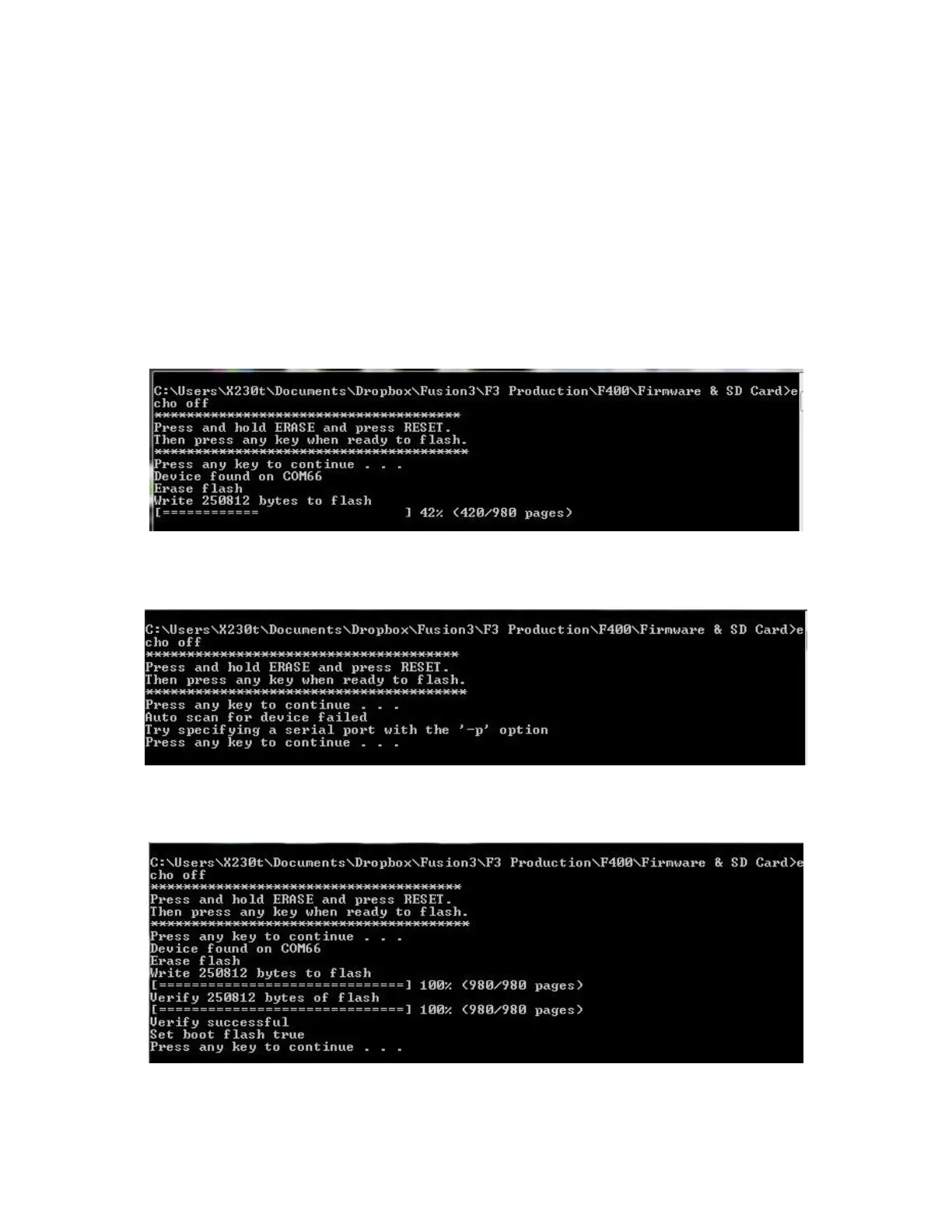
Double click on the “RunMe.bat” file. It will open a terminal window. It will instruct you to press the RESET and
ERASE buttons (which we’ve already done; no need to do it again). Go ahead and press the enter key to continue.
If everything has worked successfully, you will see a progress bar as it uploads the firmware.
If you see the following error message, it means the board was not successfully put into firmware write mode. Try
pressing the RESET/ERASE buttons again.
The program will upload the firmware and then verify the upload. Once finished it will prompt you to press enter
to close the terminal window.
Disconnect the USB cable from your computer.



 To Next Page