99
In less extreme cases you will see excess plastic bulging up in rows as shown on the right side of the graphic.
Usually it’s ok to let the print continue if you see something like the picture in the graphic; your part will remain
stuck to the bed just fine.
12.1.1 How to Adjust
We have several tools available to adjust the first layer height:
The probe offset value in config.g
Material-specific offsets in each profile in Simplify3D
Physically adjusting the bed
Which one is best to use depends on what you’re experiencing. Some helpful guidelines are below:
If you see an incorrect first layer height across multiple materials, adjust the probe offset (see section
11.7.1).
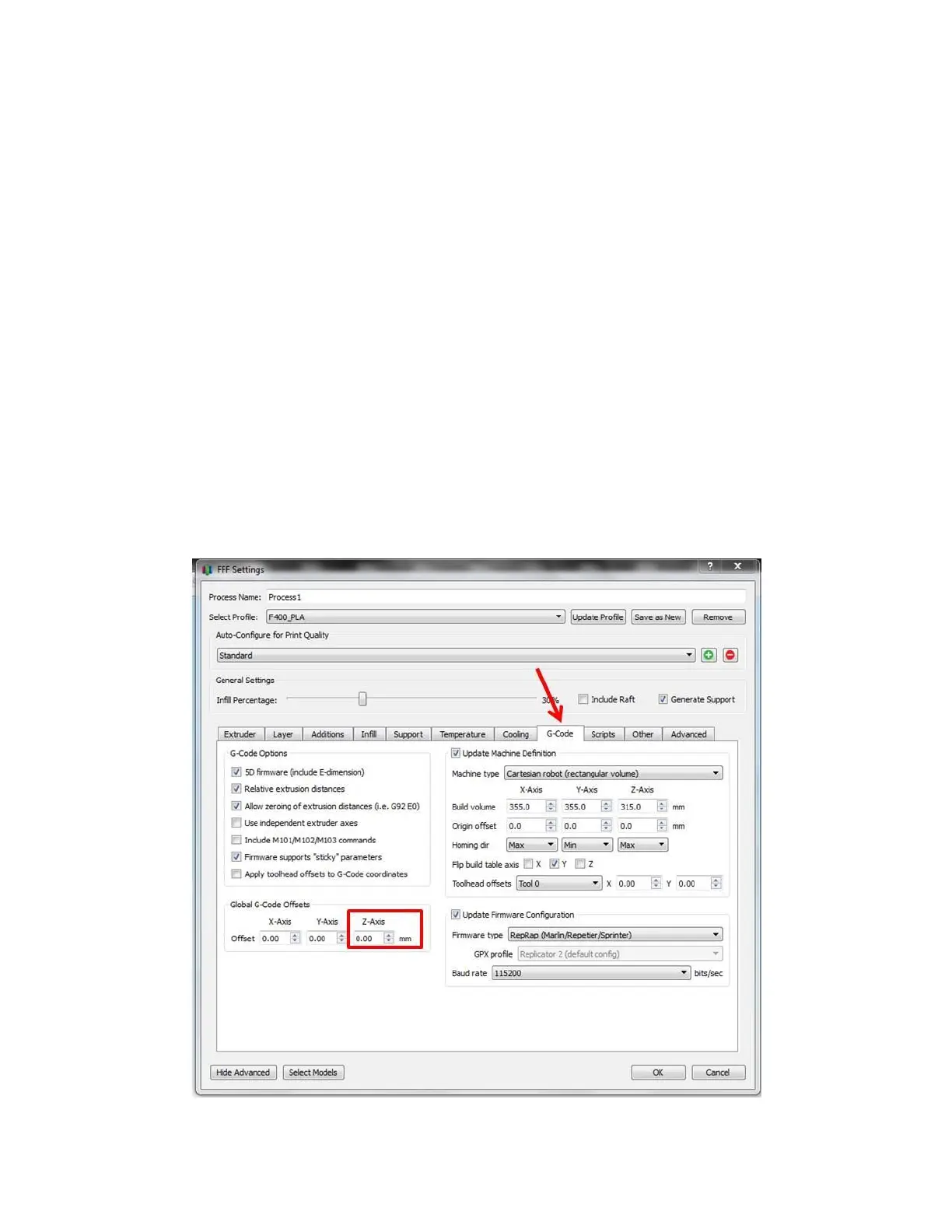
If you see an incorrect first layer height with just one material, adjust that material’s gcode offset (see
below).
If you see inconsistent first layer heights, or one area of the bed is too close and another area is too far
away, manually check the bed level (see section 9.3.2).
12.1.2 Using the Gcode Offset



 To Next Page