MAINTENANCE
Battery
Your meter comes with two 1.5 V AAA size alkaline
batteries. Low Battery Signal
The meter will display one of the messages below to alert you when
the meter power is getting low.
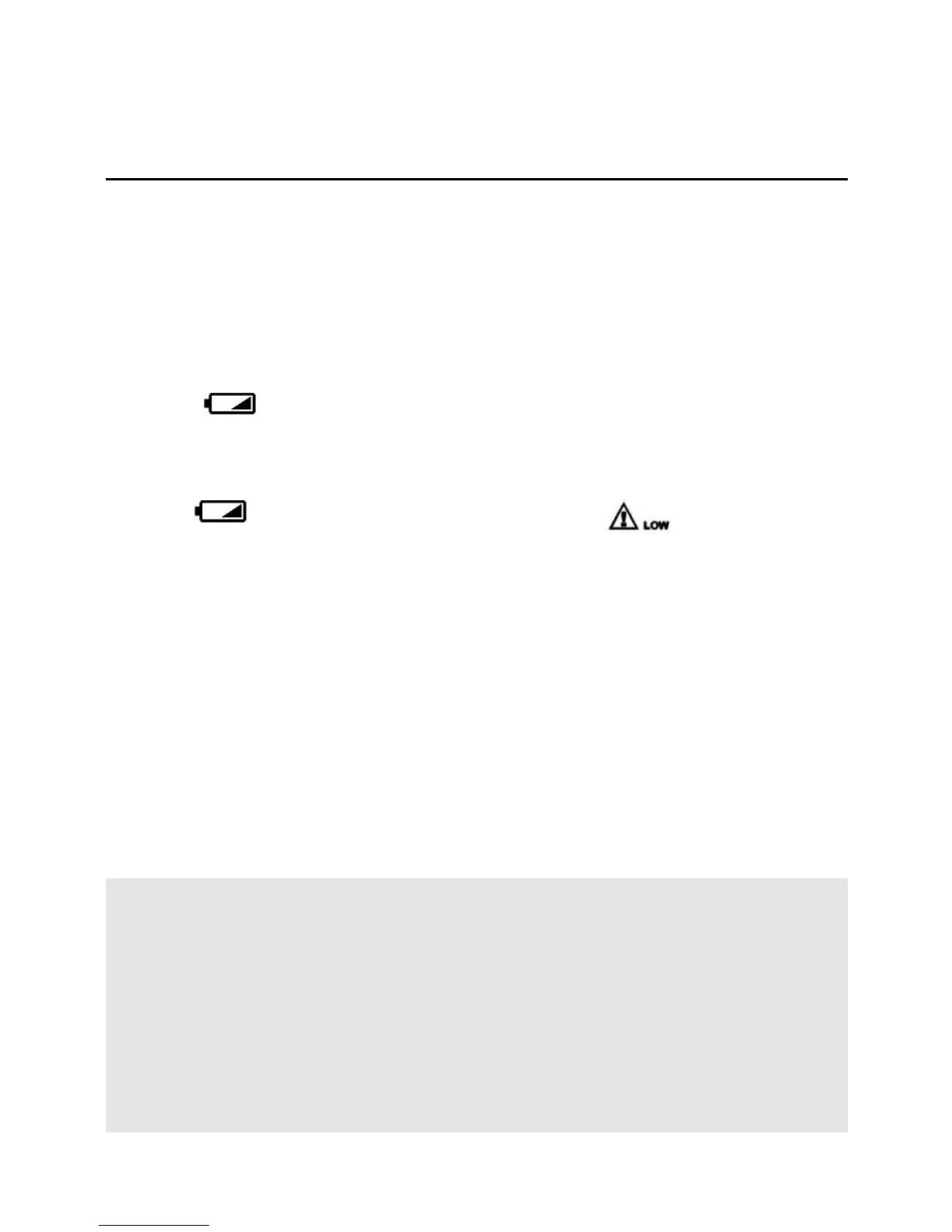
1. The “ ” symbol appears along with display messages:
The meter is functional and the result remains accurate, but it is
time to change the batteries.
2. The “ ” symbol appears with E-b and “ ”:
The power is not enough to do a test. Please change the
batteries immediately.
To replace the batteries, make sure that the meter is turned off. (o)
1. Press the edge of the battery cover and lift it up to remove.
2. Remove the old batteries and replace with two 1.5 V AAA
size alkaline batteries.
3. Close the battery cover. If the battery is inserted correctly, you
will hear a "beep" afterwards.
NOTE:
Replacing batteries does not affect the test results stored in
the memory.
As with all small batteries, these batteries should be kept away
from small children. If swallowed, promptly seek medical
assistance.
Batteries might leak chemicals if unused for a long time. Remove
16



 To Next Page