3E2364WeighScaleW810v2UserManual
Page19
Editingsessionnotes
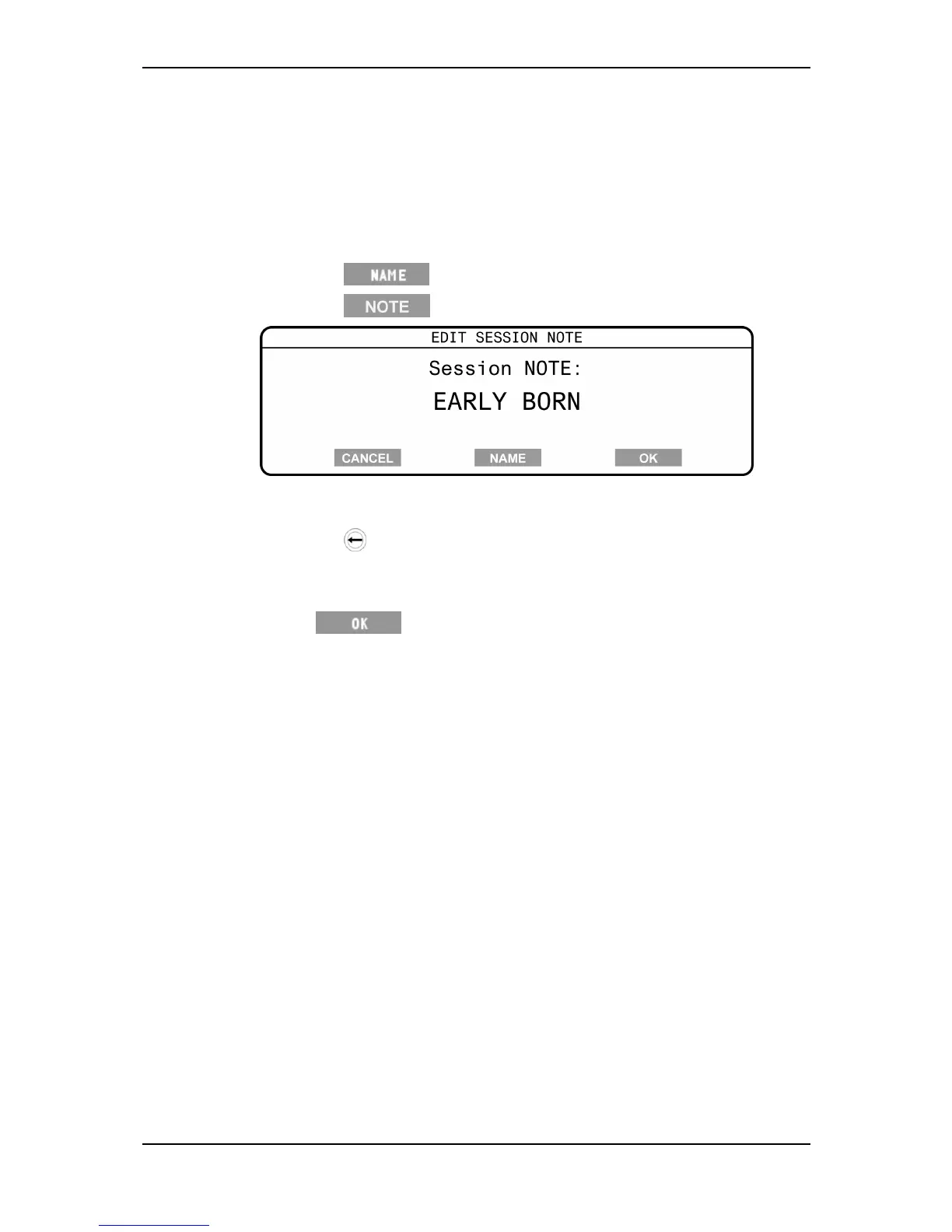
YoucanedittheexistingsessionnoteoftheStandard,DraftlistorTraitsessions
storedontheScalefromtheSessionmenu.Ifnosessionnotewasentered
whenthesessionwascreatedyoucannotaddone.
Toeditasessionnote,completethefollowingsteps:
1. Selectthesession,seeSelectingaSession(p17).
2. Pressthe softkey.
3. Pressthe softkey.
Note:IftheNotesoftkeydoesnotdisplay,thesessiondoesnothavea
sessionnote.
4. Pressthe buttontodeletetheexistingnote,asrequired.
5. Typeinthenewnote,usingthekeypad.
Thesessionnotecancontainupto13characters.
6. Press tosavethenewsessionnameandnote,andreturnto
theSessionmenu.
Thenewsessionnameisdisplayedinthetitlebarofthescreen.



 To Next Page