3E2364WeighScaleW810v2UserManual
Page60
4. Pressthe and softkeystoselecttherequired
traittable.
Press toselecttheTraittable.
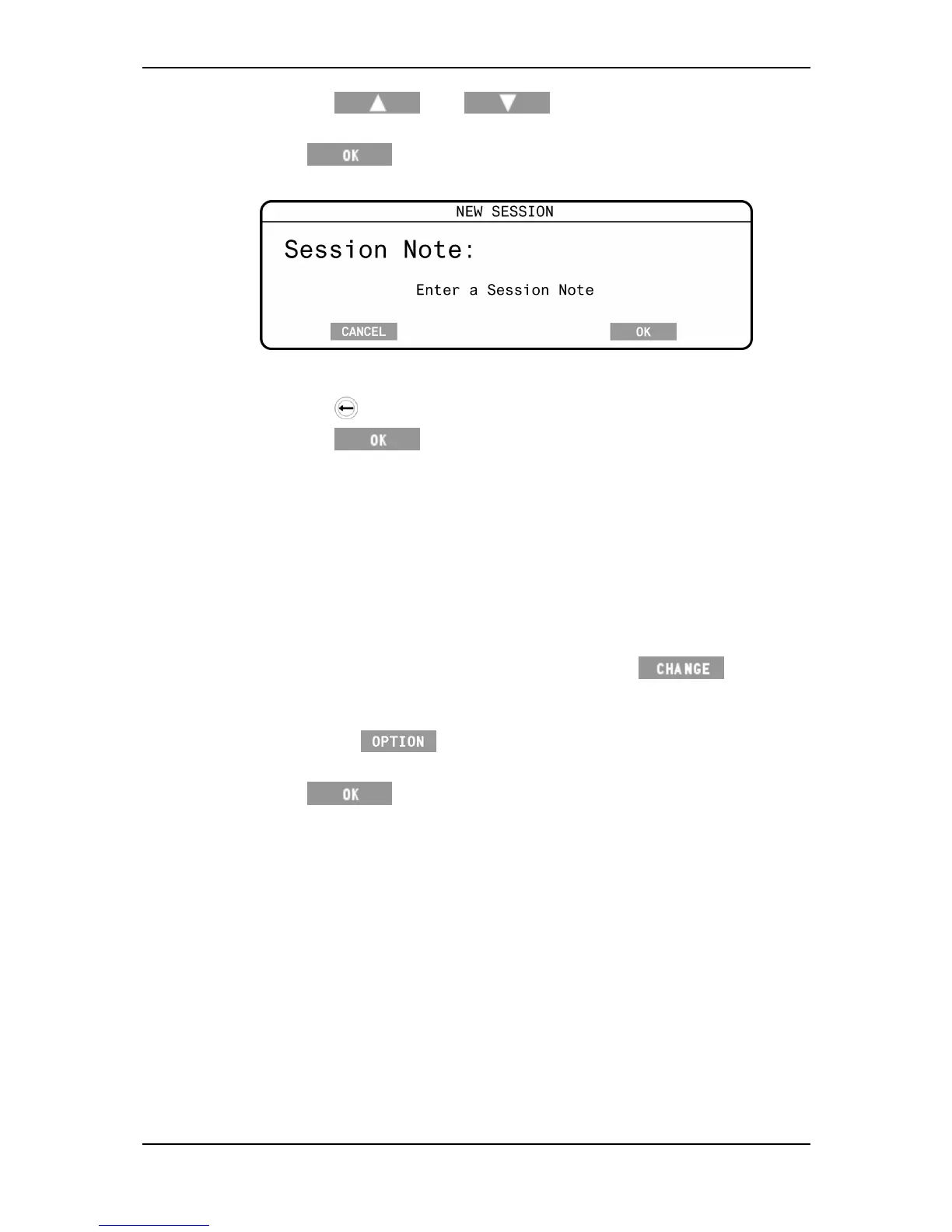
5. Ifprompted,typeinasessionnote(canbeleftblank).
Thesessionnotecanbeupto13alpha‐numeric(includingfullstop,forward
slashandspace)characterslong.
Pressthe keytodeletecharacters.
Pressthe softkeytosavethenote.
Note:
TheAPSsoftwaresetswhethertheSessionnoteoptiondisplayson
theWeighScale,viatheAPS‐Configuremenu.
Addingasessionnotereducesthenumberofrecordsstoredonthe
WeighScalebyone.
TheenteredsessionnoteistransferredtoAPSwiththesessiondata.
Thesessionnotedetailsarestoredinthefirstrecordofthesessionfile.
6. TheWeighingModeSetupscreenwilldisplay.
a) Tochangethedefaultweighingmode,pressthe softkeyto
selecttheweighingmode.SeeUserOptions‐WeighingModes(p25)for
moreinformation.
b) Pressthe softkeyforadvanceoptionsregardingthe
weighingmode.
7. Press tosavethesession.
Thenewsessioniscreatedandastatisticsscreendisplayswithallvaluesset
tozero.
TheprevioussessionisclosedandstoredintheWeighScale'smemoryandcan
beviewedusingtheSessionmenu.SeeSessionmenu(p17).



 To Next Page