8 Edge 605/705 Owner’s Manual
GettinG Started
Step 7: Set Your
Proles
The Edge uses information that you
enter about yourself and your bike to
calculate accurate ride data.
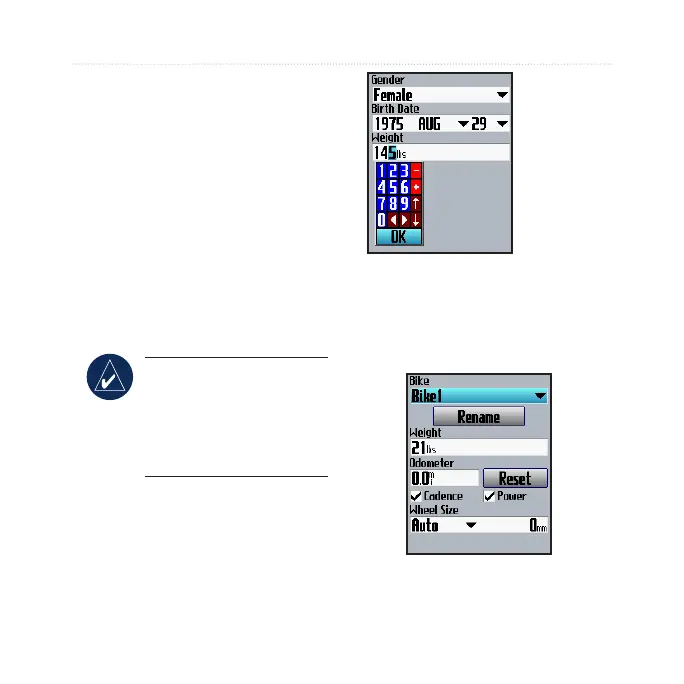
To set your user prole:
1. Press menu > select Settings
> Prole & Zones > User
Prole.
2. Enter your gender, birth date,
and weight.
TIP: When nished
selecting options or
entering values on your
Edge, press mode to exit
the eld or page.
Use the
thumb stick
to change the
eld values.
To set your bike prole:
1. Press menu > select Settings
> Prole & Zones > Bike
Prole.



 To Next Page