32 Edge 605/705 Owner’s Manual
USinG the MaP
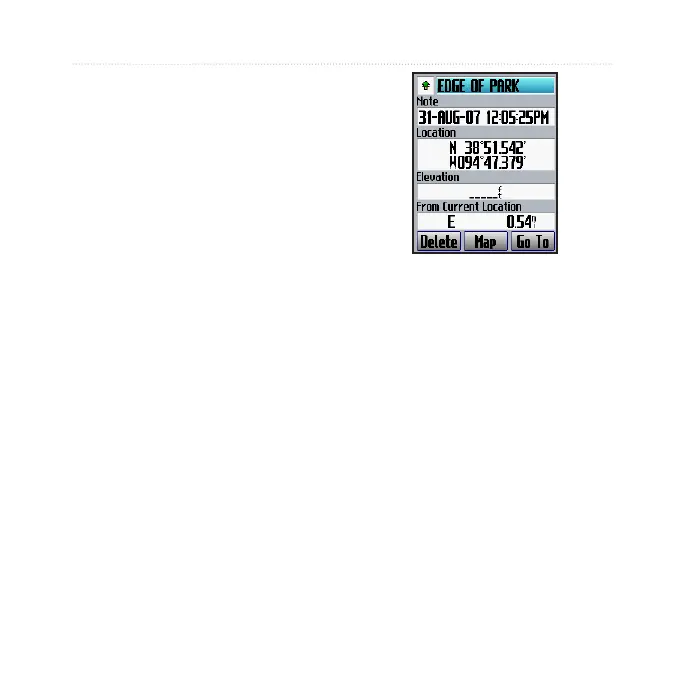
To mark a known location
using coordinates:
1. Press menu > Save
Location.
2. Use the on-screen keyboard
to enter the coordinates and
elevation.
3. Make other changes as
necessary, and select OK.
To mark a location on the map:
1. Press mode to access the
map page.
2. Use the thumb stick to move
the map pointer to the location
you want to save.
3. Press
enter.
4. Select
Yes to save the
waypoint.
5. Select a symbol, and enter a
descriptive name.
6. Press mode to continue.
Satellite Page
The satellite page displays
information about the GPS signals
the Edge is currently receiving. Press
menu > select Satellite.



 To Next Page