22 Edge 605/705 Owner’s Manual
traininG
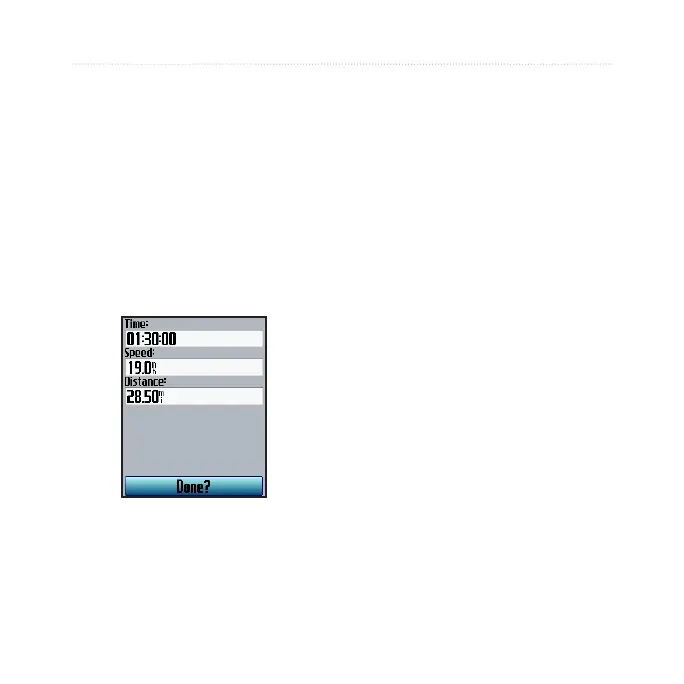
To set up a simple workout:
1. Press menu > select Training
> Workouts > Simple
Workouts.
2. Select the type of simple
workout.
3. Enter values in the rst and
second elds. The third eld is
calcuated by the Edge.
4. Select
Done.
5. Press start.
Interval Workouts
You can create interval workouts
with your Edge based on the
following criteria:
Ride a certain distance and rest
for a certain amount of time.
Ride for a certain distance and
rest for a certain distance.
Ride for a certain amount of time
and rest for a certain amount of
time.
Ride for a certain amount of time
and rest for a certain distance.
To create an interval workout:
1. Press menu > select Training
> Workouts > Interval.
•
•
•
•



 To Next Page