Edge 605/705 Owner’s Manual 23
traininG
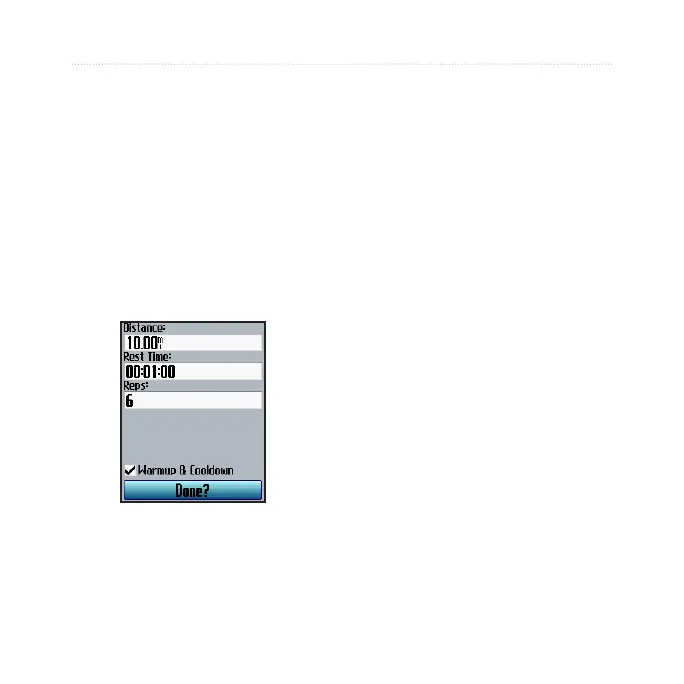
2. Select the type of interval
workout.
3. Enter distance or time values
into the appropriate elds.
4. In the
Reps eld, enter
number of times you want to
repeat each interval.
5. Select
Warmup & Cooldown
(optional).
6. Select
Done.
7. Press start.
If you selected Warmup &
Cooldown, press lap at the end of
your warmup lap to start your rst
interval. At the end of your last
interval, the Edge automatically
starts a cooldown lap. When you are
nished cooling down, press lap to
end your workout.
As you approach the end of each
lap, an alarm sounds, and a message
appears, counting down the time
until a new lap begins. At any time
during the interval workout, you can
press lap to end a step early.


 To Next Page
 Loading...











