Edge 605/705 Owner’s Manual 19
traininG
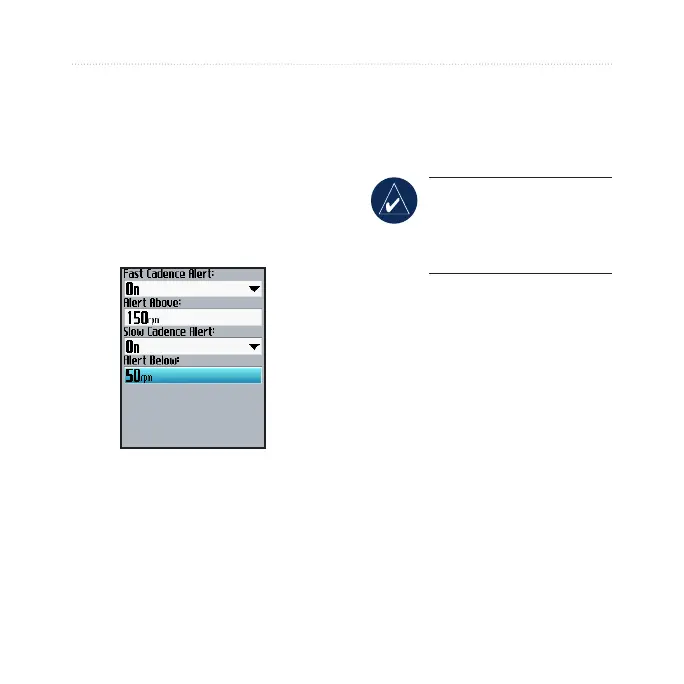
To set a cadence alert:
1. Press menu > select Training
> Alerts > Cadence Alert.
2. In the
Fast Cadence Alert
eld, select On.
3. Enter a value in the
Alert
Above eld. The maximum
value allowed is 255.
4. Repeat for the Slow Cadence
Alert eld. There minimum
value is 0.
Using Power Alerts
NOTE: To use power
alerts, you must have an
Edge 705 and a third-party
power meter.
The power alert noties you if your
power level exceeds or drops below
a specic value in watts or % FTP
(functional threshold power). For
more information about using third-
party power meters, see page 41.



 To Next Page