46 Edge 605/705 Owner’s Manual
data ManaGeMent
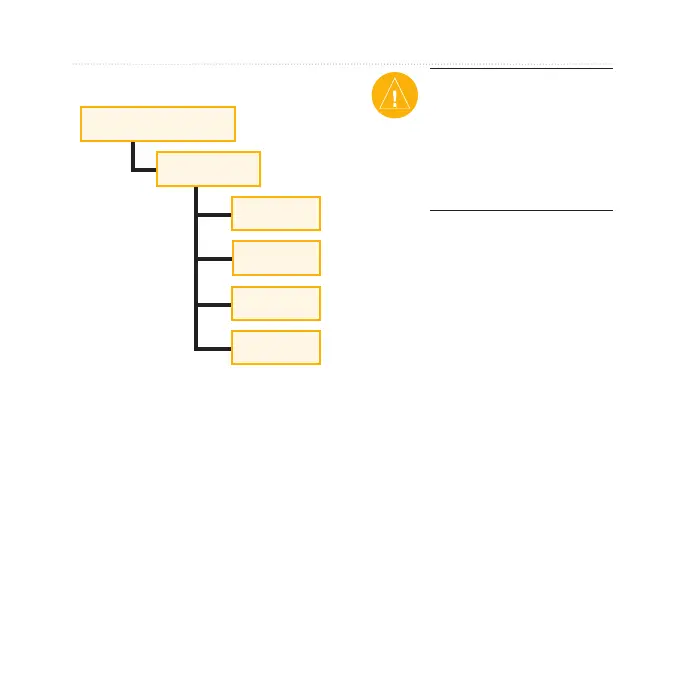
Garmin Folders
Garmin drive/volume
Garmin
Courses
GPX*
History
Workouts
* The GPX folder contains
waypoints and saved rides.
Deleting Files
Open the Garmin or SD card drive/
volume. Highlight the le, and press
the Delete key on your computer’s
keyboard.
CAUTION: If you are not
sure about a le’s purpose,
do not delete it. Your
Edge memory contains
important system les that
should not be deleted.
Transferring Files to
Another Edge (705
Only)
You can wirelessly transfer les
from one Edge to another using
ANT+Sport wireless technology.
1. Turn on both Edge units, and
bring them within range (3 m)
of each other.
2. Press
menu > select Settings
> ANT+Sport.
3. Select
Receive Data on the
Edge that is receiving les.
4. Select
Transfer Data on the
Edge that is sending les.



 To Next Page