Edge 605/705 Owner’s Manual 41
USinG acceSSorieS
Power Meter
For a list of third-party power
meters that are compatible with the
Edge 705, go to www.garmin
.com/edge.
Power �alibration
Press menu > select Settings >
ANT+Sport > Accessories >
Calibrate Power.
For calibration instructions specic
to your power meter, refer to the
manufacturer’s instructions and
www.garmin.com/edge.
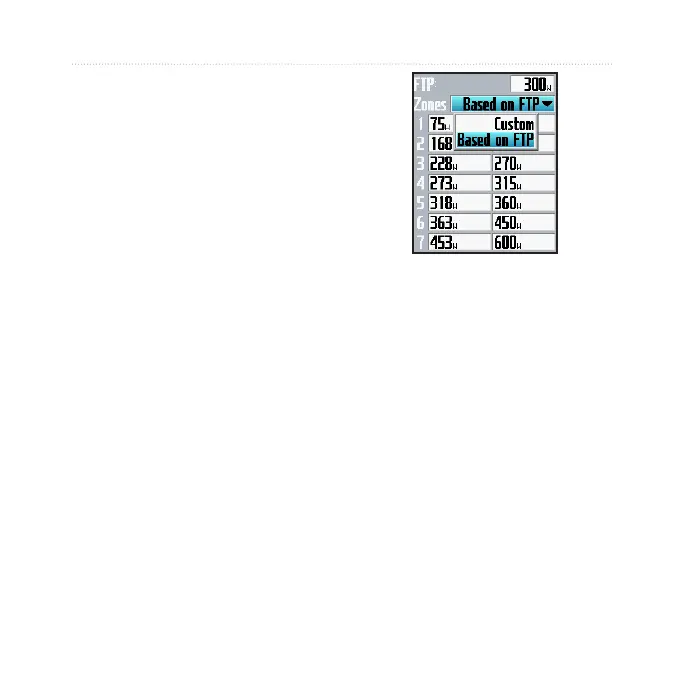
Power Zones
Press menu > select Settings >
Prole & Zones > Power Zones.
You can set seven custom power
zones (1=lowest, 7=highest). If you
know your FTP (functional threshold
power) value, you can enter it, and
allow the Edge to calculate your
power zones automatically. You
can also enter your power zones
manually.
To change your power units, see
page 55.



 To Next Page