Edge 605/705 Owner’s Manual 17
traininG
4. In the Distance Alert eld,
select Once or Repeat.
5. Enter a distance in the
Alert
At eld.
Using Speed Alerts
Speed alerts notify you if you exceed
or drop below a custom speed setting
during your ride.
The speed alert allows you to use
speed zones stored in the Edge. For
more information about speed zones,
see page 54.
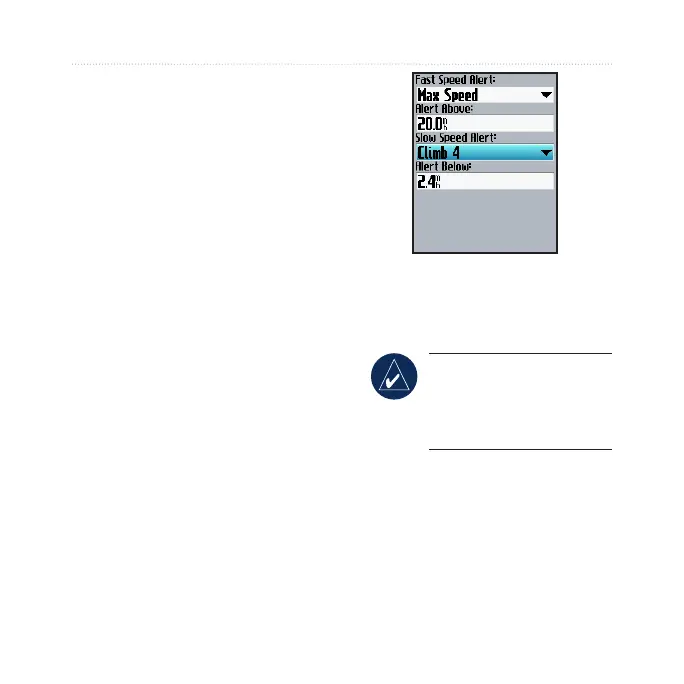
To set a speed alert:
1. Press menu > select Training
> Alerts > Speed Alert.
2. In the
Fast Speed Alert eld,
select a speed zone or select
Custom to enter your own
alert value.
3. Repeat for the Slow Speed
Alert eld.
Using Heart Rate Alerts
NOTE: To use heart rate
alerts, you must have an
Edge 705 and a heart rate
monitor.
The heart rate alert noties you if
your heart rate exceeds or drops
below a specic number of beats
per minute (bpm). Heart rate alerts
can also notify you if your heart rate
exceeds or drops below a certain
heart rate zone—a range of beats



 To Next Page