Edge 605/705 Owner’s Manual 1
GettinG Started
GeTTinG sTarTed
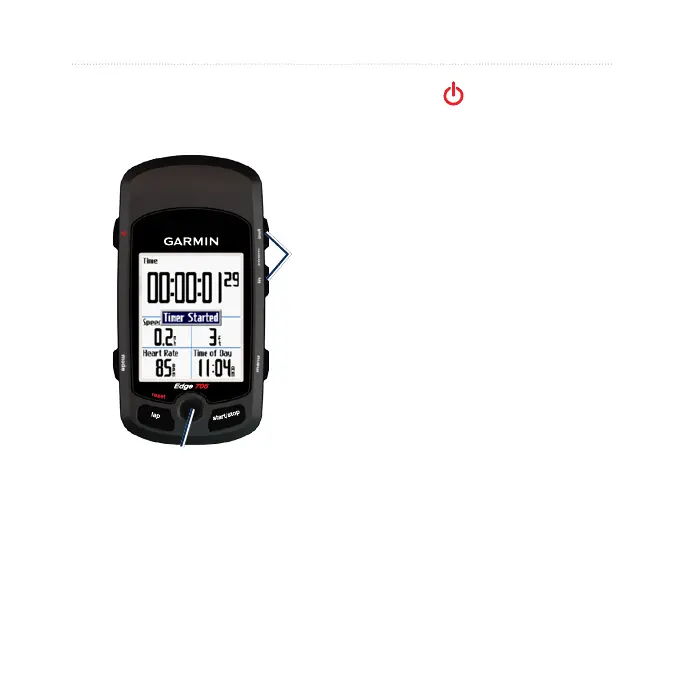
Buttons
➊
➋
➏
➎➌
➍
➐
➊
power
Press and hold to turn the Edge
on/off.
Press to turn the backlight on/off.
➋
mode
Press to return to the previous
page.
Press and hold to switch bike
proles.
➌
reset/lap
Press and hold to reset the timer.
Press to create a new lap.
➍
thumb stick/enter
Move the thumb stick to scroll
through menus, options, and data
elds.
Press in the thumb stick to select
options and to acknowledge
messages.
•
•
•
•
•
•
•
•



 To Next Page