Forerunner 310XT Owner’s Manual 7
Getting Started
3. Wrap the strap around your chest,
and snap it to the other side of the
module.
NOTE: The Garmin logo should
be right-side up.
4. Bring the Forerunner within range
(3 m) of the heart rate monitor.
NOTE: If the heart rate data is
erratic or does not appear, you
may have to tighten the strap on
your chest or warm up for 5–10
minutes.
5. Press
mode > select Settings
> Run Settings > Heart Rate >
ANT+ HR > �es.
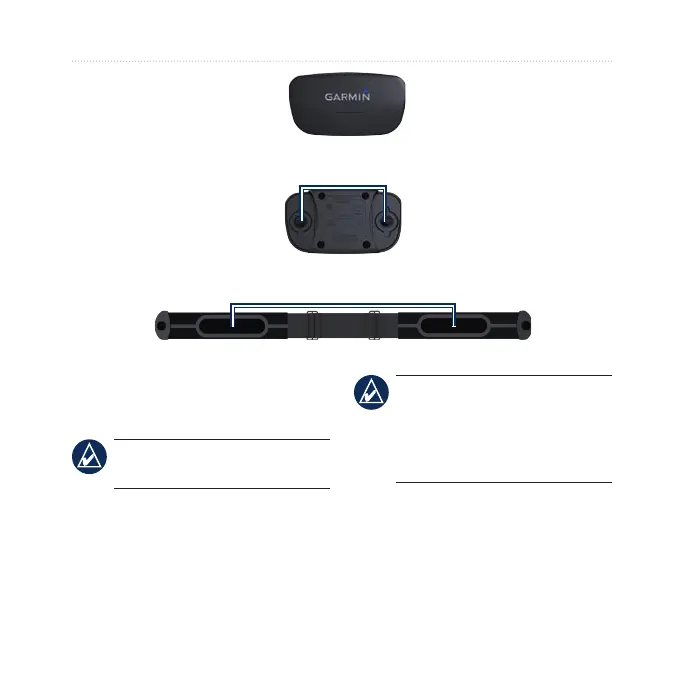
Heart Rate Monitor Module (Front)
Heart Rate Monitor Module (Back)
Snaps
Heart Rate Monitor Strap (Back)
Electrodes















 To Next Page