Forerunner 310XT Owner’s Manual 1
Getting Started
Getting Started
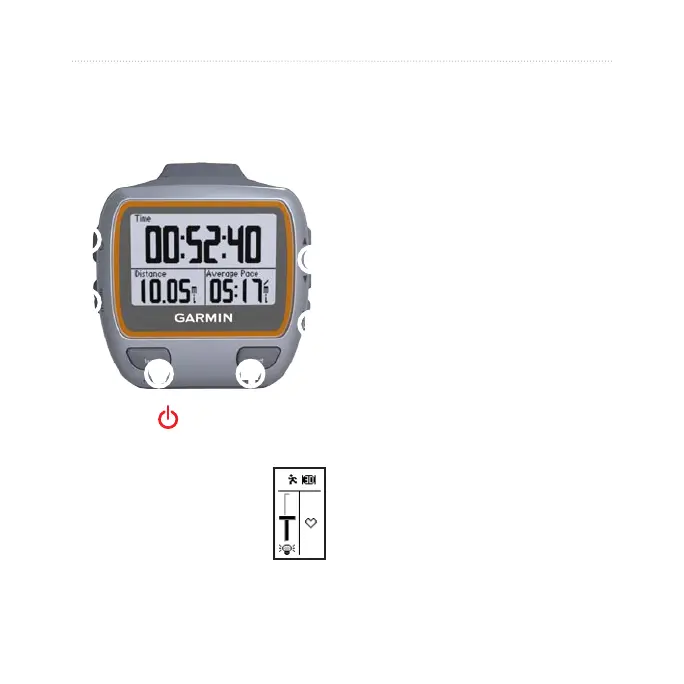
Buttons
➊
➏
➋
➍
➎
➌
➊
power
Press and hold to turn the
Forerunner on and off.
Press to turn on and to
adjust the backlight. A
status page appears.
•
•
➋
mode
Press to view the timer page and
menu page. The map page and
the compass page also appear if
they are active.
Press to exit a menu or a page.
Your settings are saved.
Press and hold to switch sport
modes.
➌
lap/reset
Press to create a new lap.
Press and hold to reset the timer.
➍
start/stop
Press to start or to stop the timer.
➎
enter
Press to select options and to
acknowledge messages.
•
•
•
•
•















 To Next Page