10 Forerunner 310XT Owner’s Manual
Training
Training
NOTE: Always consult your
physician before you begin or
modify any exercise program.
Use your Forerunner to set alerts,
train with a Virtual Partner
™
,
program interval or custom
workouts, and plan courses based on
existing activities. The Forerunner
offers several training features and
optional settings.
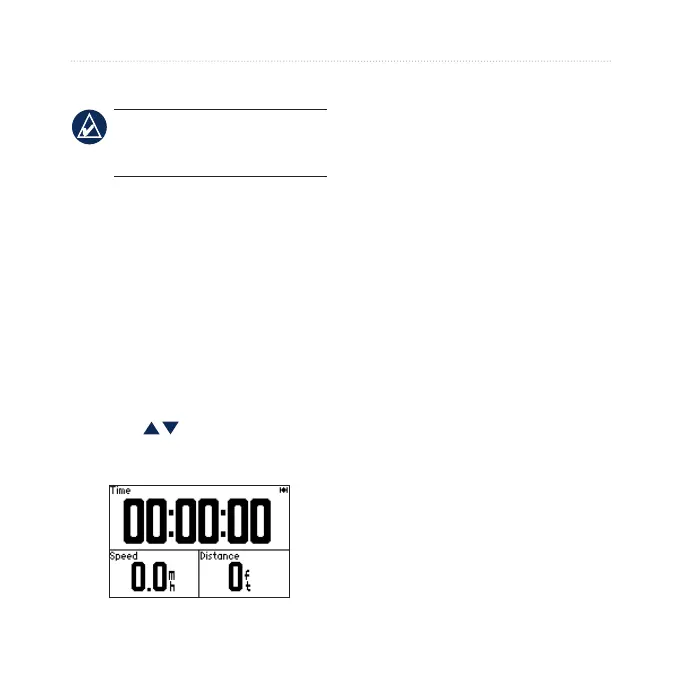
About the Training Page
Press mode to view the training
page. Use to scroll through the
available pages.
To customize the data elds on the
training pages, see page 28.
Sport Mode
Press and hold mode to change the
sport mode. All settings are specic
to the current sport that you have
selected.
Auto Lap
®
You can use Auto Lap to
automatically mark the lap at a
specic position or after you have
traveled a specic distance. This
setting is helpful for comparing your
performance over different parts of
a run (every 2 miles or every major
hill, for example).
1. Press mode > select Settings >
select sport settings (depends on
your current sport mode) > Auto
Lap.















 To Next Page