24 Forerunner 310XT Owner’s Manual
Navigation
Navigation
Use the GPS navigation features on
your Forerunner to view your path
on a map, save locations you want to
remember and nd your way home.
Viewing the map
Before you use the navigation
features, you may want to congure
the Forerunner to display the Map
page.
To add the Map page:
1. Press mode > select Settings >
System > Map.
2. In the Show Map eld, select
�es.
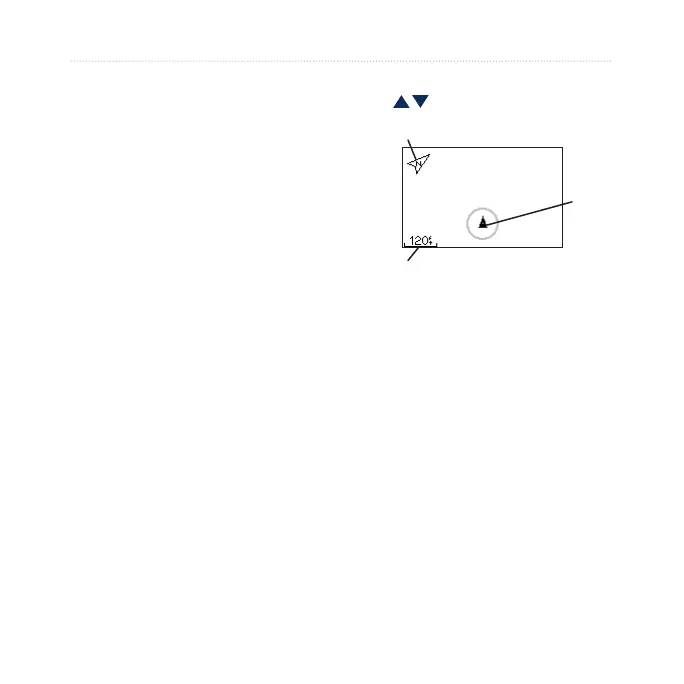
Press mode to see the Timer, Map,
and Main Menu pages. When you
start the timer and begin to move, a
tiny dotted line appears on the map,
showing you exactly where you have
traveled. This dotted line is called a
track.
To zoom in or out on the map,
press .
You
Zoom
level
Points to North
Map
Marking Locations
A location is any point that you store
in memory. If you want to remember
landmarks or return to a certain spot,
mark a location there. The location
appears on the map with a name and
a symbol. You can nd, view, and go
to locations at any time.
To mark your location:
1. Go to the place where you want to
mark a location.















 To Next Page