26 Forerunner 310XT Owner’s Manual
Navigation
To edit or delete a location:
1. Press mode > select GPS > Go
to Location.
2. Select the location you want to
edit.
3. Change the information as
necessary. To delete the location,
select Delete.
Back to Start
If you want to return to the starting
point, the Forerunner can take
you back along the exact path you
traveled using Back to Start.
To go back to your starting
point:
Press mode > select GPS >
Back to Start.
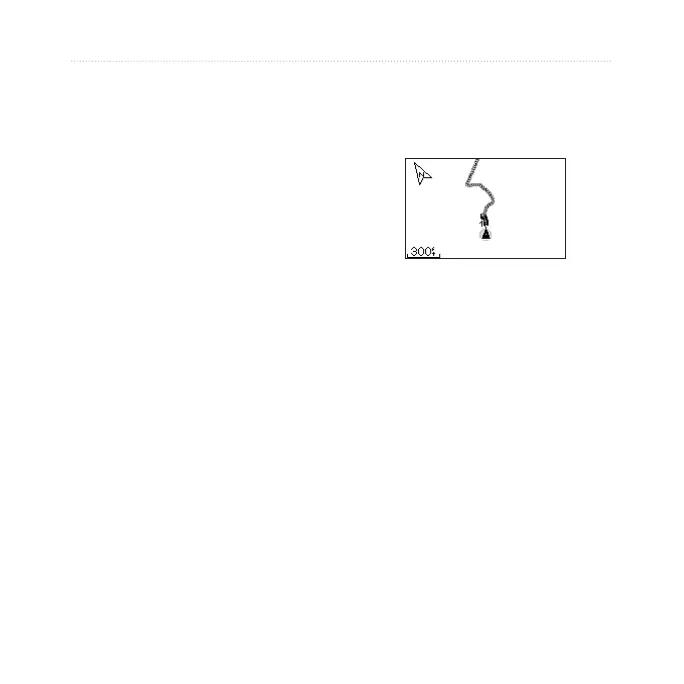
A line appears on the map from your
current location to your starting
point.
Follow the line back to
your starting point.















 To Next Page